4 The camera
is
recognized
by
the computer.
• Windows
When you connect the camera to your computer for the first time, the computer attempts to
recognize the camera. Click "OK"
to
exit the message that
is
displayed. The camera
is
recognized as a "Removable Disk".
• Macintosh
The iPhoto program is the default application for managing digital images. When you
connect your digital camera for the first time, the iPhoto application starts automatically, so
close this application and start OLYMPUS Master.
oNote
• The camera functions are disabled while the camera is connected to a computer.
• Connecting the camera to a computer via a USB hub may cause unstable operation.
In
this
case, do not use a hub, but connect the camera directly to the computer.
• Images cannot be transferred to your computer with OLYMPUS Master
if
[PC]
is
selected
in
Step
3,
[>
is
pressed and [MTP]
is
selected.
Start up the OLYMPUS Master software
Windows
1 Double-click the "OLYMPUS Master
2"
icon.
on
the desktop.
Macintosh
1 Double-click the "OLYMPUS Master 2" icon
11
in
the "OLYMPUS
Master 2" folder.
• The browse window is displayed.
• When OLYMPUS Master is started up for the first time after installation, the OLYMPUS
Master initial setting screen and user registration screen are displayed before the browse
window.
Follow the on-screen instructions.
Displaying camera images on a computer
LJ.
·~··
..
l.~
l~
.
<::~Q
I - '
..
, Q
Downloading and saving images
1 Click "Transfer Images"
-~~
on
the browse
window, and then click "From Camera"
.~
••
.
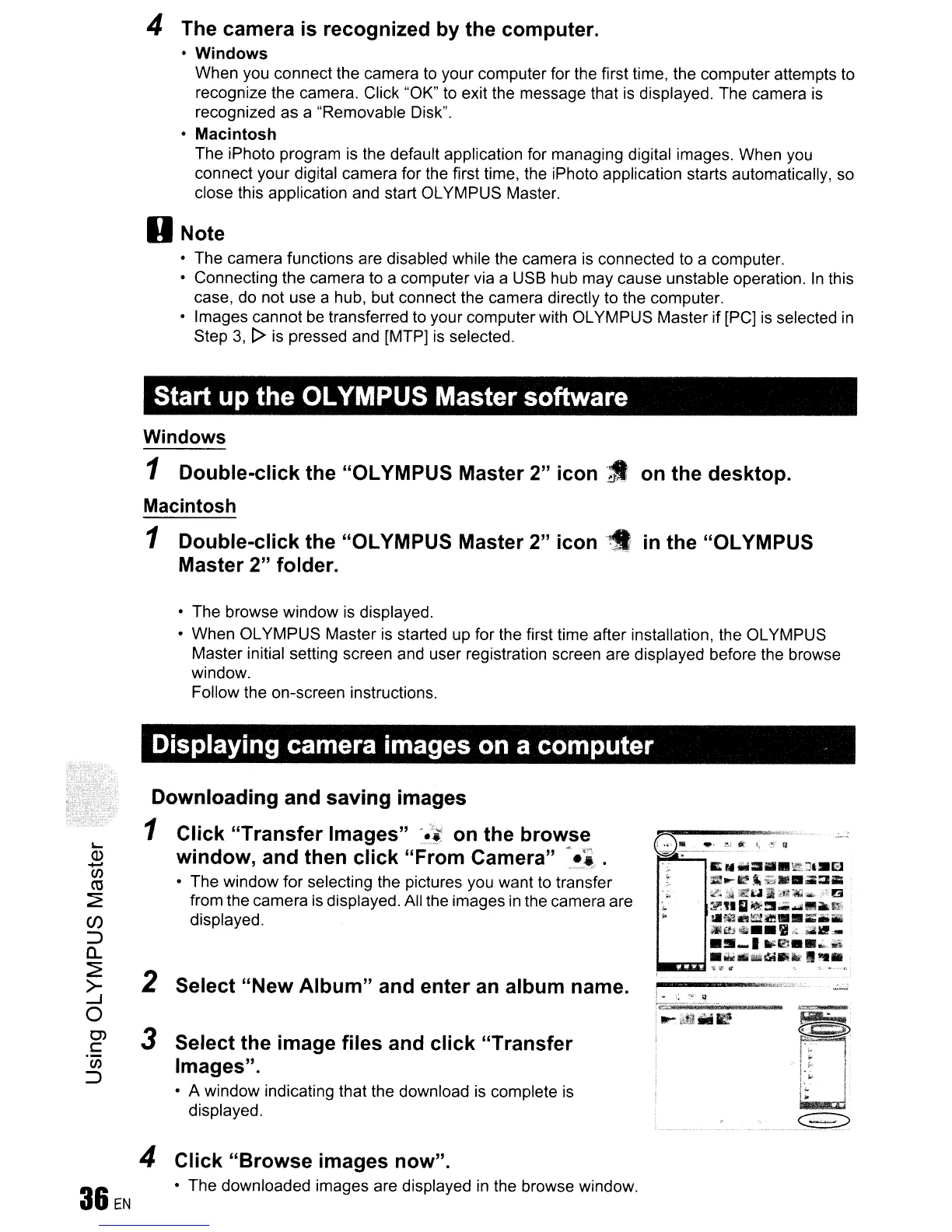
• The window for selecting the pictures you want to transfer
from the camera
is
displayed. All the images
in
the camera are
displayed.
3 Select the image files and click "Transfer
Images".
• A window indicating that the download is complete
is
displayed.
2 Select "New Album" and enter
an
album name.
4
36EN
Click "Browse images now".
• The downloaded images are displayed
in
the browse window.









 To Next Page