28
3
EN
Setting the Author ID and Worktype
Every file recorded on the recorder will include
the Author ID and Worktype as part of its header
information. You can create multiple Author IDs
when logged in to ODMS Cloud as an administrator.
ODMS Cloud is required when configuring IDs for
use with multiple dictation workflows. Workflows
configured using the DCP will not be recognized by
ODMS Cloud and consequently will not function as
expected.
By default the Author ID is set to “DS9100”.
Setting an Author ID
1 Turn ON the recorder.
• When [Prompt for author ID at Power-
on.] has been set through ODMS software
(gP. 41), the registered Author ID list will
appear.
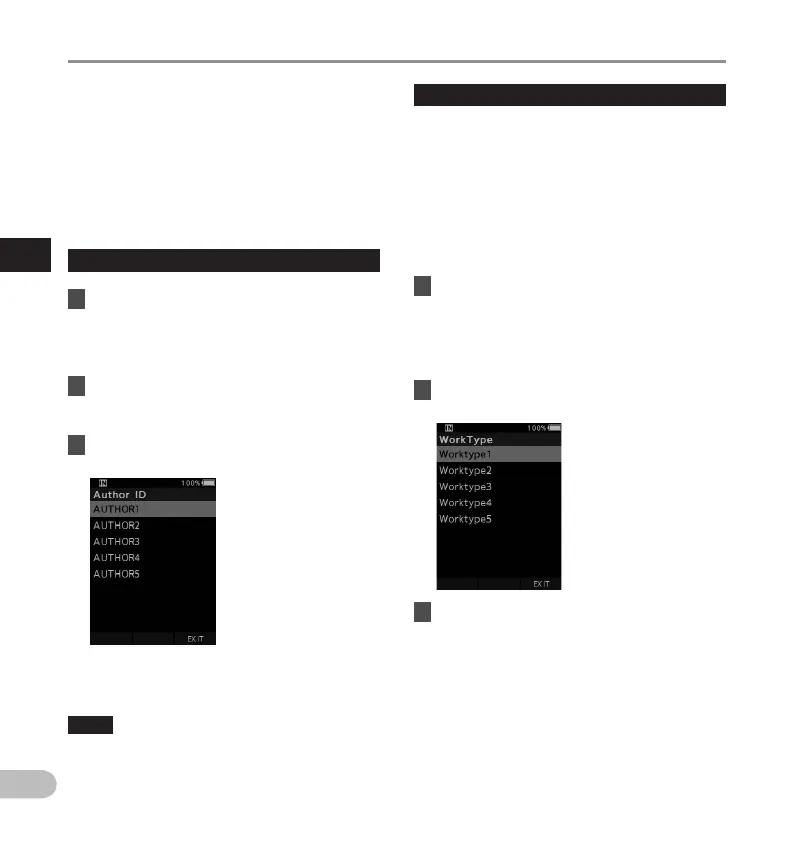
2 Press the + or – button to select the
Author ID that you want to assign to the
recorder from the ID list.
3 Press the OK/MENU button to set the
ID.
• When more than one Author ID exists/ is
registered on the recorder, the ID list will be
displayed.
NOTE
• Up to 10 Author ID entries can be registered (up
to a maximum of 16 characters).
Setting the Worktype
You can upload up to 20 different Worktypes when
logged in to ODMS Cloud as an administrator.
Each Worktype can have up to 10 optional items
associated with it. Worktypes and Optional Items
can be used on the recorder to populate the file
header information. For details, see the online help
for ODMS Cloud.
The Worktype information of the recorded or
uploaded files can be edited with the menu settings
of the recorder (gP. 37 ).
1 While the recorder is in stop mode,
press the NEW button.
• When [Prompt for Worktype ID on new
recordings.] has been set through ODMS
software (g P.41), the Worktypes
uploaded to the recorder will appear in a list.
2 Press the + or – button to select a
Worktype from the Worktype list.
3 Press the OK/MENU button to set the
Worktype.
• The selected Worktype and a maximum of
20 Optional Items associated to it can be
recorded as file header information.
• It is possible to add an extra Value to the
Optional Items list of the selected Worktype.
In order to do so, go to the Worktype
information screen (gP. 37). For details,
see the online help for ODMS Cloud.
Setting the Author ID and Worktype



 To Next Page