FM TRANSMITTER
TR EM 1000 HE DIG PLUS COMPACT
Technical Manual 1v2 November 2019 32
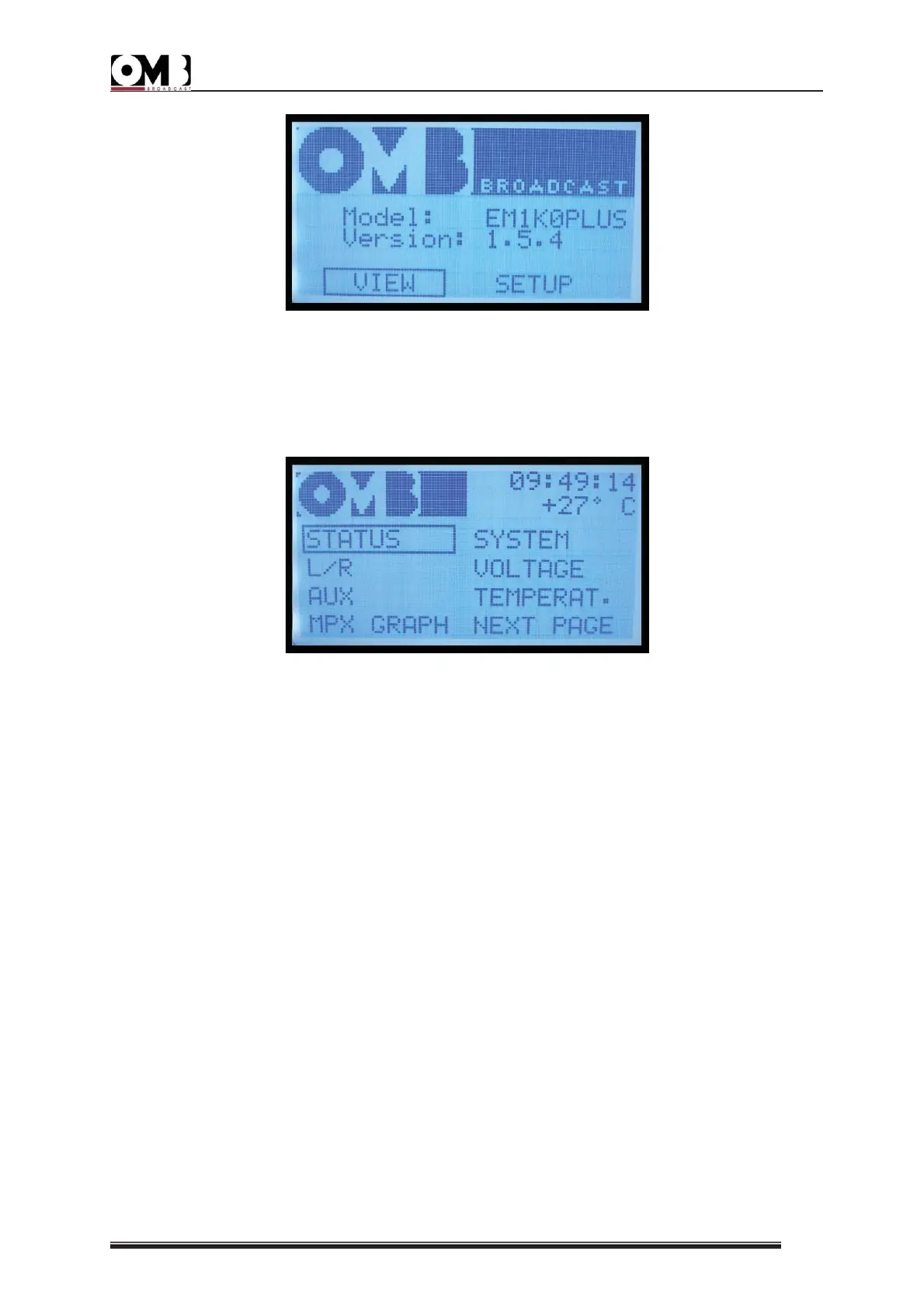
54) Turn the knob to select the main VIEW menu, then press to confirm.
55) The first page composing the VIEW menu will appear:
56) Verify that all parameters are correct, in particular:
- Direct and reflected power, via the STATUS sub-menu.
- Modulation, via the L/R and MPX GRAPH sub-menus.
- Operating frequency, mono/stereo mode, and pre-emphasis, via the SYSTEM sub-menu.
- Internal temperatures, via the TEMPERAT. sub-menu.
In addition, a spectrum analysis must be performed to ensure that no spurious emissions are
generated due to internal or external reasons (e.g., inverse intermodulation in the final stage).
If the reflected power exceeds 10% of the direct power, you will not be able to increase the
output power beyond a certain value due to an excessive SWR (standing wave ratio). Where
this occurs, the antenna system must be checked with a view to minimizing the reflected
power.
If the red ALARM indicator light appears, this means that an alarm event has occurred.
When this happens, check the type of alarm on the display, refer to the error table, and
resolve the problem.
While in normal operation, we recommend that you leave your device on the STATUS sub-
menu, found under the main VIEW menu.
If you leave the device in the main SETUP menu, after a period, the timer will automatically
select the STATUS sub-menu under the main VIEW menu in order to avoid programming
accidental settings.


 To Next Page
 Loading...