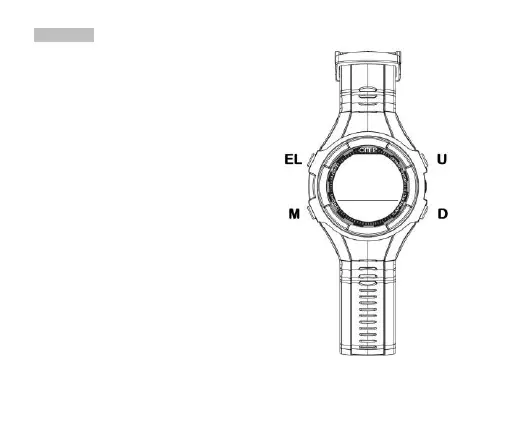
9.1 RESET
The RESET function can be used to delete any error
message or problems related to functioning of the SP1
software. To carry out this operation, access
"CURRENT TIME” mode, push [M] to access time
setting (the seconds flash), then press [U] and [D]
together and hold them down for about 5 seconds.
Initially a full line will appear accompanied by a “beep”
sound, followed by a message that reads “RTS N”.
Press the [U] or [D] buttons and the message on the
display will be “RTS Y”, now press [M] to confirm
resetting. The display will still show a complete
segment and the entire internal memory will be reset
completely, including the time. You can now continue
using the watch with all its functions reset.


 To Next Page