6
DMAN-xxxx-xx (Rev x.x)
www.omnexcontrols.com
call toll free: 1-800-663-8806
1. Install Batteries
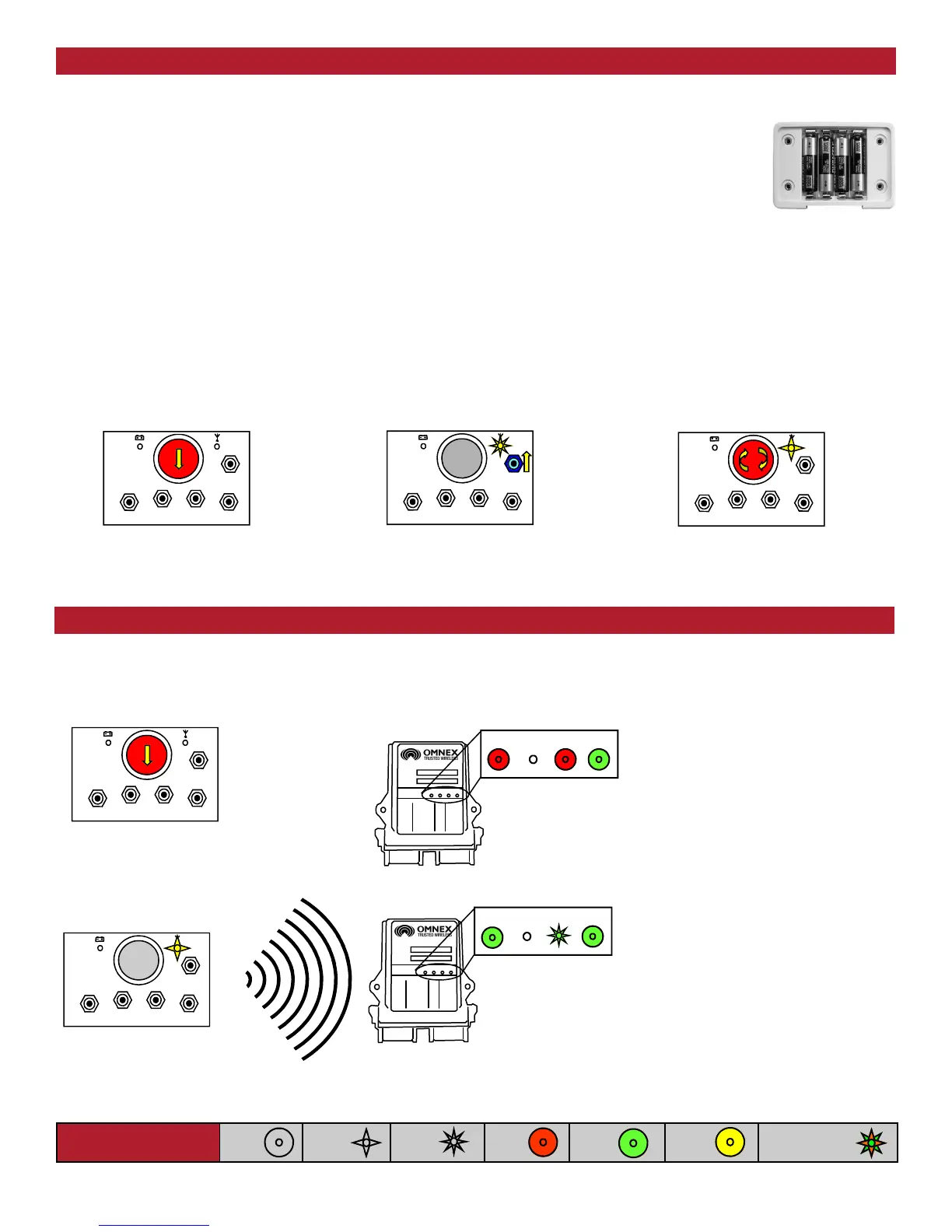
Remove the battery cover on the back of the transmitter using a slotted screwdriver and insert 4 "AA"
alkaline batteries. Orientation of the batteries is embossed inside the battery housing. No batteries
are required when the transmitter is connected to the receiver by a Tether Cable.
NOTE:
For operation at temperatures below –10° C lithium batteries are recommended. Low temperatures reduce battery
performance for both alkaline and lithium types. Refer to the battery manufacturer’s specifications for detailed information on
low temperature performance.
2. Turn on the Transmitter
Refer to the Light Legend below for diagram details.
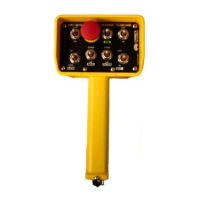
T150 Battery
If the transmitter's (Active) light does not flash, check the battery orientation.
To turn off the transmitter, press the [E-Stop] button.
Follow these steps to ensure that there is a radio link between the transmitter and receiver.
Refer to the Light Legend below for diagram details
The ORIGA system is now ready for use.
1. Press [E-Stop]
1. Press [E-Stop]
ESTOP
FAULT LINK
STATUS
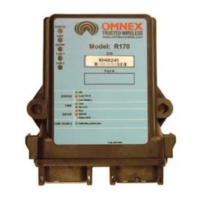
2. Power the R160
ESTOP
FAULT LINK
STATUS
3. Power the T150
If the (Active) light on the transmitter is flashing and
the (Link) light on the receiver is flashing GREEN, a
link between the two exists.
If the receiver's (Link) light does not flash GREEN,
follow the steps under Download ID Code below.
2. Press any switch 3. Twist Clockwise & Release [E-Stop]
Power the Transmitter
Test the Transmitter / Receiver Link
Light Legend
Solid
Slow
Flash
Fast
Flash
Red
Light
Green
Light
Alternating Red
& Green Light
Yellow
Light
When the receiver has been installed, install batteries into the transmitter and turn it on as explained below.
WARNING: do not install batteries backwards, charge, put in fire, or mix with other battery types. May explode or leak causing injury.
Replace all batteries at the same time as a complete set and do not mix and match battery types.


 To Next Page