7
DMAN-xxxx-xx (Rev x.x)
www.omnexcontrols.com
call toll free: 1-800-663-8806
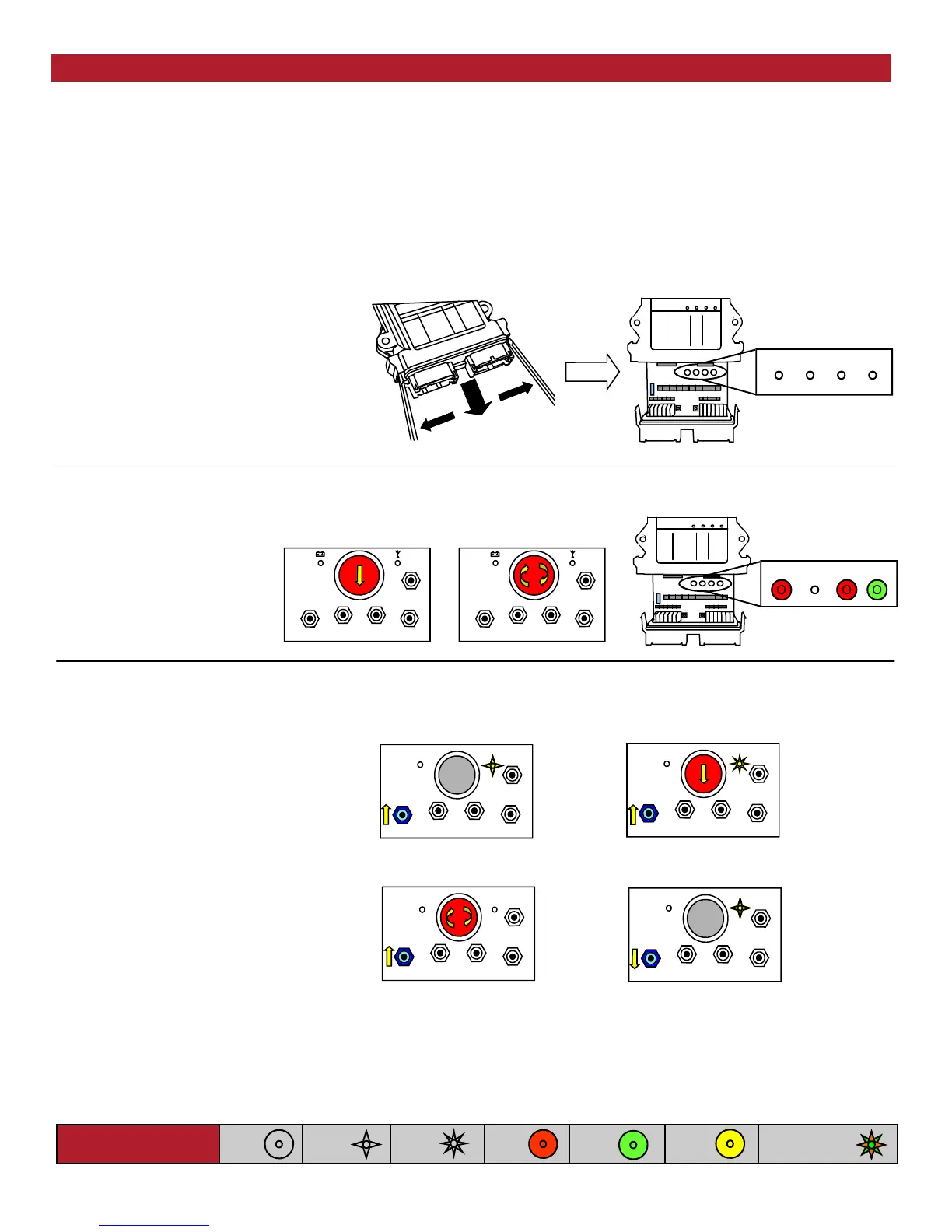
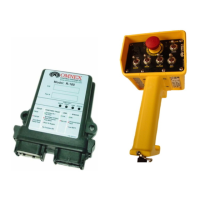
The cap is held on by two plastic tabs at
opposing sides, which can be unlatched as
shown using a screwdriver. Once the cap is
free, the R160 can slide open.
Use a small slotted screwdriver to press the
Side Tabs inward.
ESTOP
FAULT LINK
STATUS
1. Opening the R160 Case
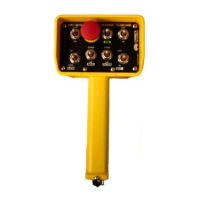
A. Press [E-Stop]
B. Twist Clockwise & release
[E-Stop]
C. Supply power to the receiver
A.
C.
ESTOP
FAULT LINK
STATUS
2. Prepare T150, Power R160
A. Hold [SW-5] switch UP
B. Press [E-Stop]
C. Twist Clockwise & release [E-Stop]
D. Release [SW-5] Switch
3. Power T150 into Configuration Mode
Light Legend
Solid
Slow
Flash
Fast
Flash
Red
Light
Green
Light
Alternating Red
& Green Light
Yellow
Light
Follow these steps to download the transmitter’s unique ID Code into the receiver. This will allow the receiver to establish
a radio link with that transmitter.
Refer to the Light Legend below for diagram details. Refer to Troubleshooting Chart #4 for Tips and Considerations
NOTE: It is necessary to download the ID Code when replacing either the transmitter or the receiver.
NOTE: If the transmitter is connected to the receiver with a Tether Cable, completing only steps 3 and 5 is necessary (it is not
necessary to open the R160 case and press the Setup button).
Download ID Code
(Use in case of Link Test failure)
B.
A.
D.
C.
B.


 To Next Page