OMNI-624/OMNI-624EU Installation and Setup Guide
6-44
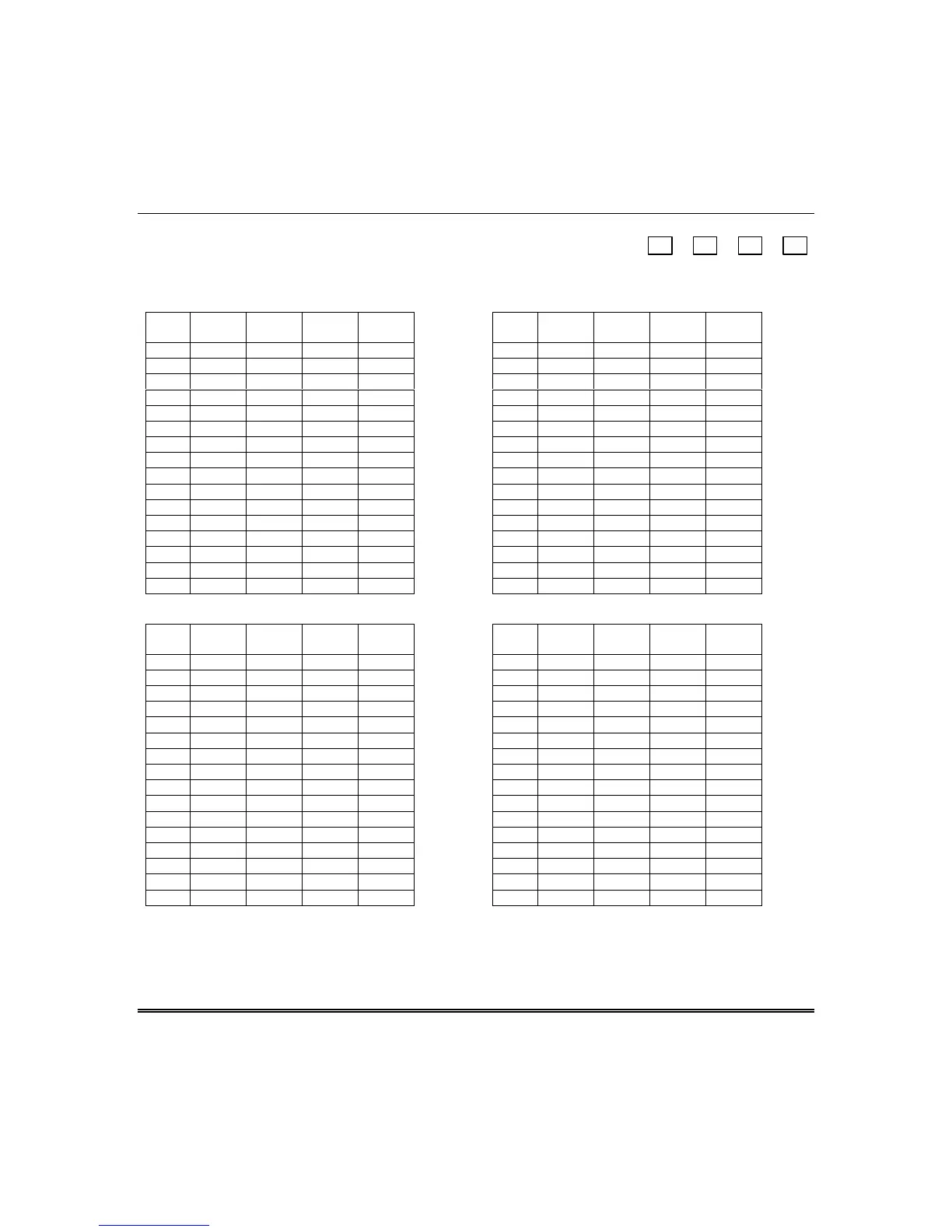
Q 68 OPEN/CLOSE REPORT DISABLES FOR USERS 17–32
L1 L2 L3 L4
17-20 21-24 25-28 29-32
Q 68, L1 Users 17–20 Open/Close Report Disable Q 68, L2 Users 21–24 Open/Close Report Disable
L1
Entry
User
17
User
18
User
19
User
20
L2
Entry
User
21
User
22
User
23
User
24
00
1
✔
1
✔
2
✔
2
✔
3
✔✔
3
✔✔
4
✔
4
✔
5
✔✔
5
✔✔
6
✔✔
6
✔✔
7
✔✔✔
7
✔✔✔
8
✔
8
✔
9
✔✔
9
✔✔
A
✔✔
A
✔✔
B
✔✔ ✔
B
✔✔ ✔
C
✔✔
C
✔✔
D
✔✔✔
D
✔✔✔
E
✔✔✔
E
✔✔✔
F
✔✔✔✔
F
✔✔✔✔
Q 68, L3 Users 25–28 Open/Close Report Disable Q 68, L4 Users 29–32 Open/Close Report Disable
L3
Entry
User
25
User
26
User
27
User
28
L4
Entry
User
29
User
30
User
31
User
32
00
1
✔
1
✔
2
✔
2
✔
3
✔✔
3
✔✔
4
✔
4
✔
5
✔✔
5
✔✔
6
✔✔
6
✔✔
7
✔✔✔
7
✔✔✔
8
✔
8
✔
9
✔✔
9
✔✔
A
✔✔
A
✔✔
B
✔✔ ✔
B
✔✔ ✔
C
✔✔
C
✔✔
D
✔✔✔
D
✔✔✔
E
✔✔✔
E
✔✔✔
F
✔✔✔✔
F
✔✔✔✔
Programming Submode 2: ZONE PROGRAMMING / REPORT CODES
Press [
✱
] + [BYPASS] while in Installer Mode 1, then press [2] to enter Zone Programming submode.



 To Next Page
 Loading...