In most browsers you should be able to cut & paste this information into an email to send to Omnia Support, if
requested to do so.
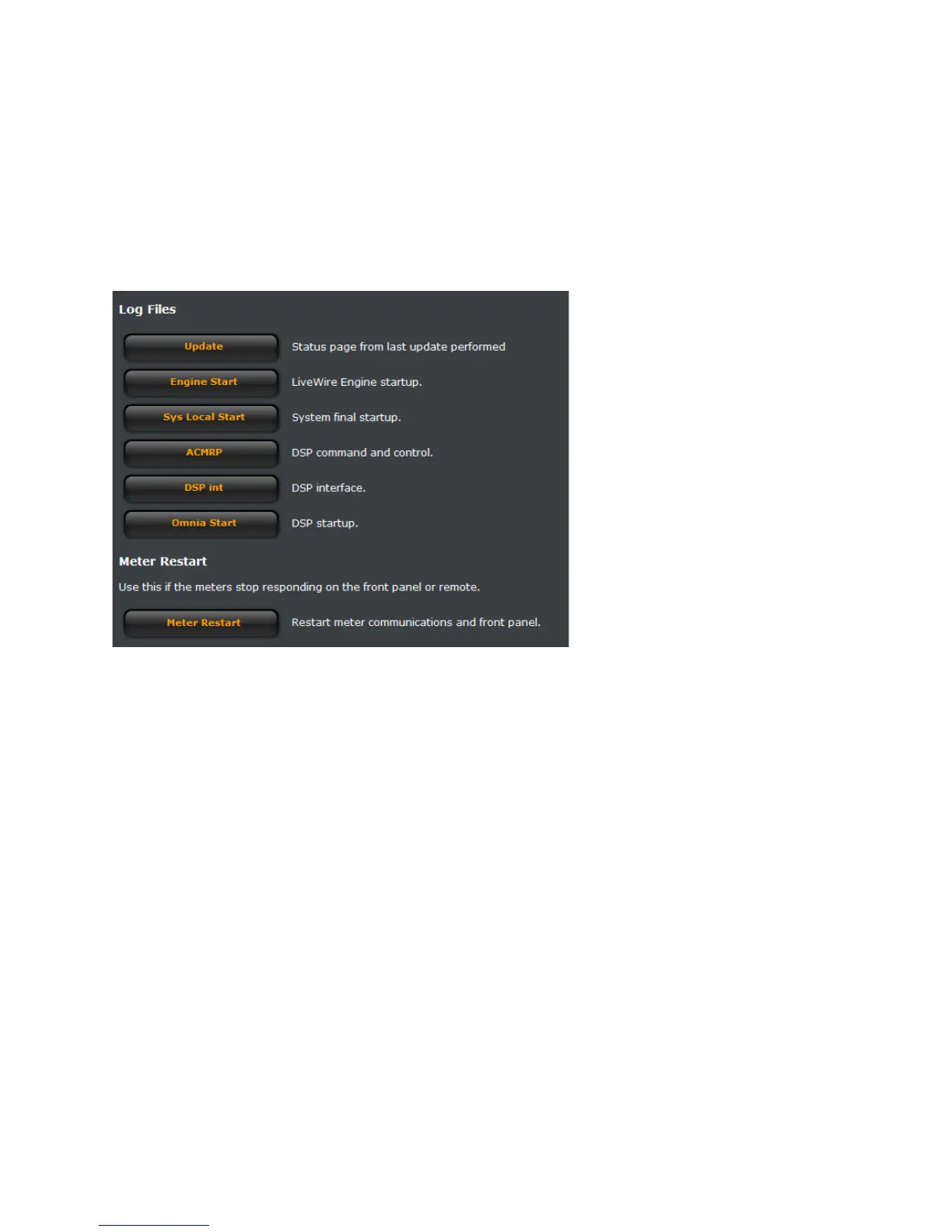
The bottom half of the Factory Diagnostics screen contains Log File link buttons that can be used to generate log
files for troubleshooting at the request of Omnia Support and a button to restart the Omnia.11’s front panel and
remote meters should they stop working.
Note that the yellow text link in the center of the button needs to be clicked to activate the function. The yellow text
will be underlined when the mouse is properly selecting the link.


 To Previous Page