21
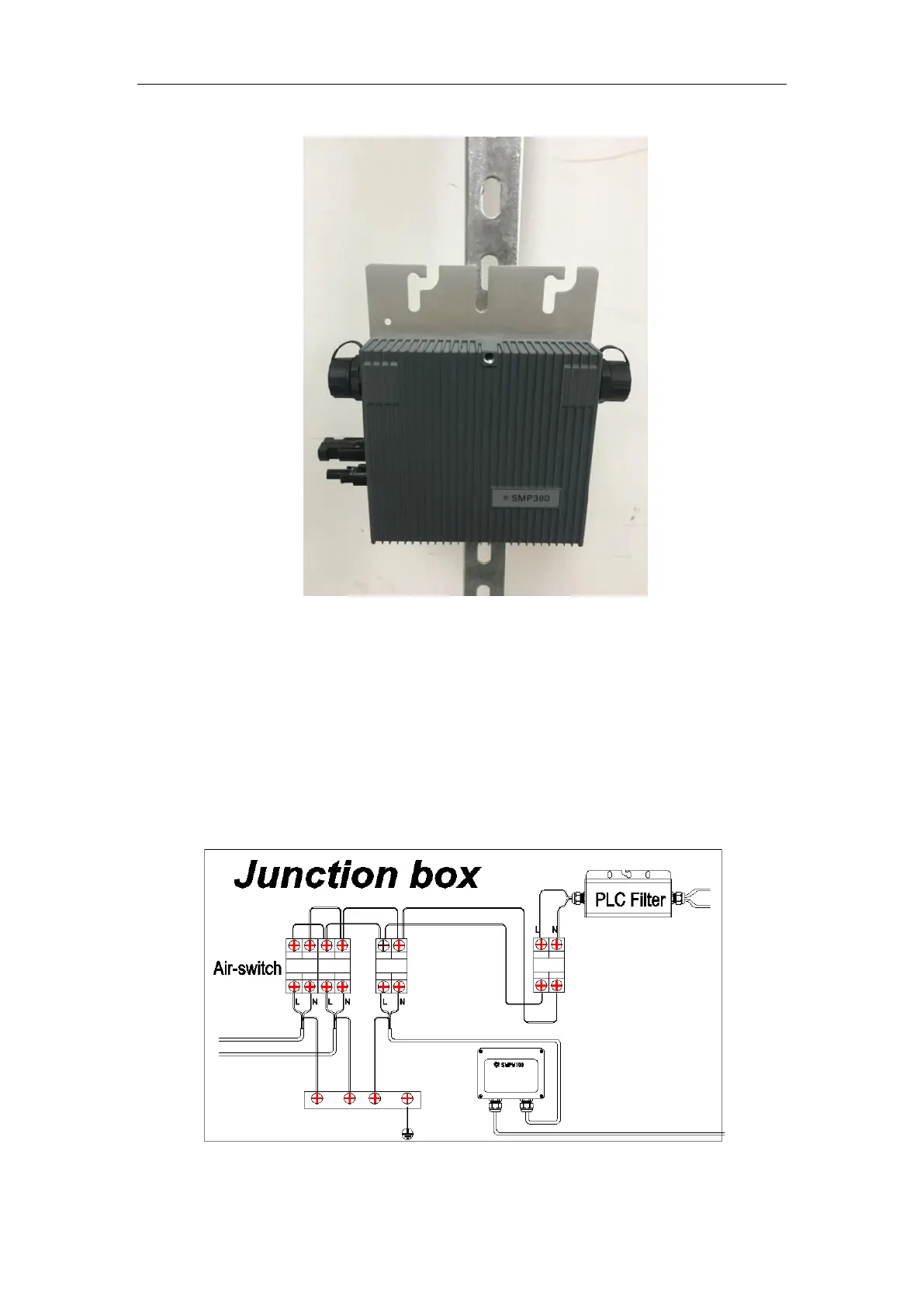
Fig.24. Installation Example (Quick Install Hole)
Step 2. Install AC Junction Box
Install an junction box if needed.
Choose a suitable model of air-switch according to the limit current of each cable
section.
Install a monitor device (SMPM100) and a PLC filter in the junction box if needed.
Provide an AC connection from the AC junction box back to the electricity network
connection using equipment and practices as required by local jurisdictions.
Fig.25. Install AC Junction Box



 To Next Page