Page 13 of 15
Page 12 of 15
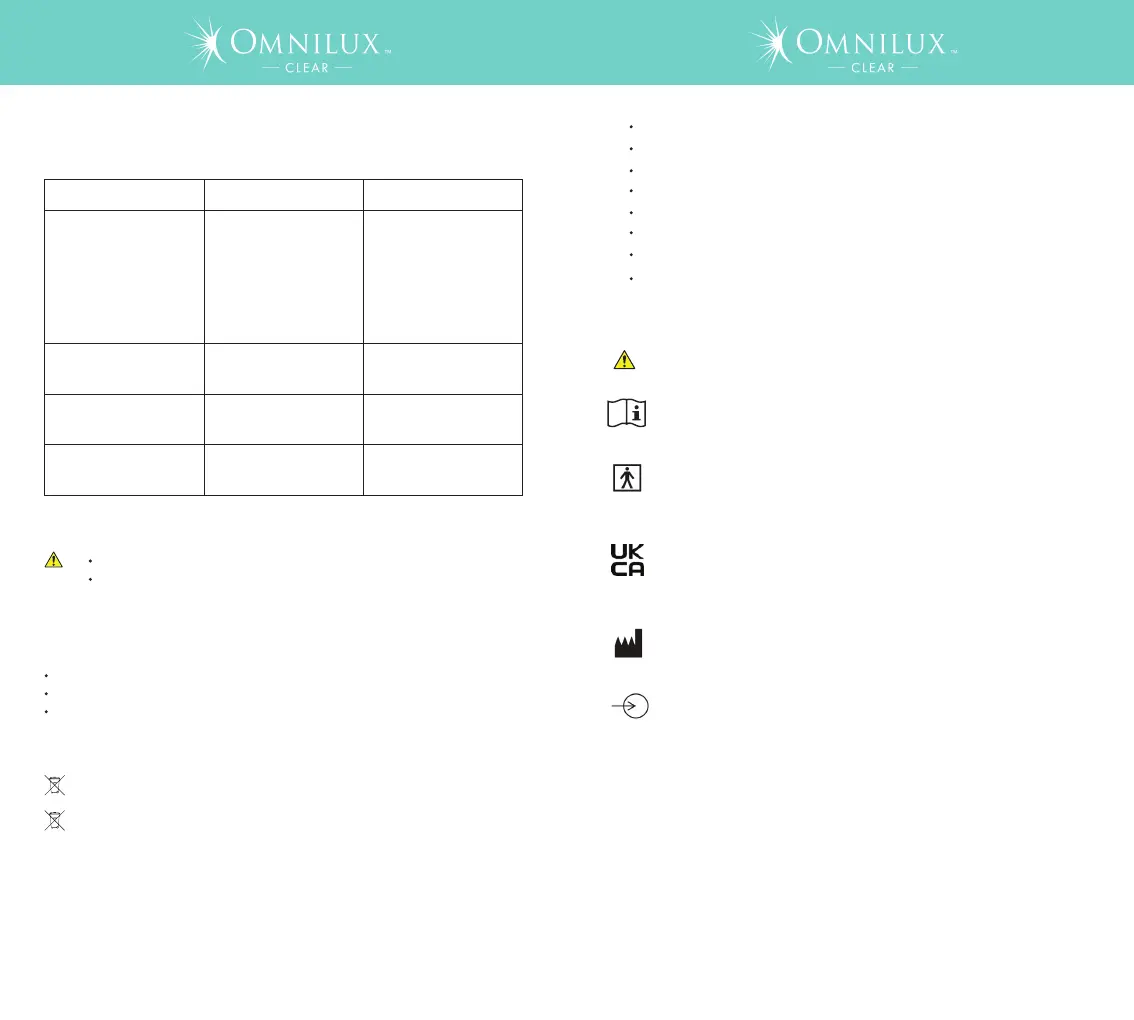
8.3 Troubleshooting
Problem
No blue or red light
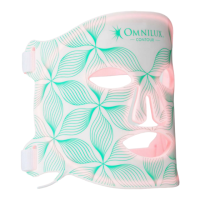
from Omnilux CLEAR
Possible Cause Action
D
a
te of manufacture
Catalogue number and batch code
Operating environment
If the actions suggested fail to fix the problem, or the problem reoccurs, and
your device is within the warranty period please return to your provider.
9. Labeling
The labeling supplied with the device contains the following information
This symbol indicates: this product shall not be disposed of with normal
household waste (2012/19/EU).
This symbol indicates: this product
contains a built-in rechargeable
battery which shall not be disposed of with normal household waste
(2006/66/EC). We advise you to take your product to an official
collection point to have a professional remove the rechargeable
battery. Follow your country’s rules for the separate collection of
electrical and electronic products and rechargeable batteries. Correct
disposal helps prevent damage to the environment and human health.
10. Recycling
Not charged
Plug in the controller to
the charger making sure
that the connections are
attached and leave
charging until the three
indicator LEDs on the
controller remain lit and
do NOT flash
No blue or red light
from Omnilux CLEAR
Device connected to an
electrical outlet
Unplug USB connector
from controller
LEDs do NOT turn OFF
after 10 minutes
Device is faulty
Return to your supplier
LEDs flicker continuously
during treatment
O
mnilux CLEAR is not fully
i
n
serted into controller
Ensure the controller and
Omnilux CLEAR device
are connected correctly
Do NOT attempt to investigate any further.
Do NOT attempt to modify the device in any way. Omnilux
CLEAR has NO parts you can repair yourself.
This symbol indicates: A warning to read the enclosed documents
before use and take all safety precautions required.
This symbol indicates: Read the User Guide before you start using
the device.
This symbol indicates: Omnilux CLEAR is specified as applied part
type BF. B indicates that it is used on the Body and F indicates that
it is not connected to the mains voltage.
This symbol indicates: Conformity to UK Directives on health,
safety, and environmental protection standards. UKCA stands for
UK Conformity
This symbol indicates: “Manufactured by” and provides the name
and address of the legal manufacturer.
This symbol indicates: Input for the power supply. This symbol
means that the device may only be charged with the adapter that is
supplied in the package. Usage of other adapters may not be safe
and could lead to electrical shock. The adapter has the following
electrical specification: 100-240Vac, 50/60Hz. 0.25A. Electrical
Output; 5V.
11. Technical specification
Program time: 10 minutes fixed
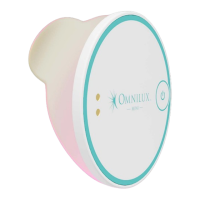
Controller: 102.8mm max (L) x 46.3mm (W) x 34.9mm max (H)
Operating temperature: 0°C
to 40°C
Storage and transport temperature: -5°C to 55°C
Operating humidity: 30% to 95% without condensation
Storage and transport humidity: 20% to 85% without condensation
Electrical input from power adapter: 100-240Vac, 50/60Hz. 0.25A
Electrical output: 5V
12. Explanation of symbols



 To Next Page