19
3. USING THE DEVICE
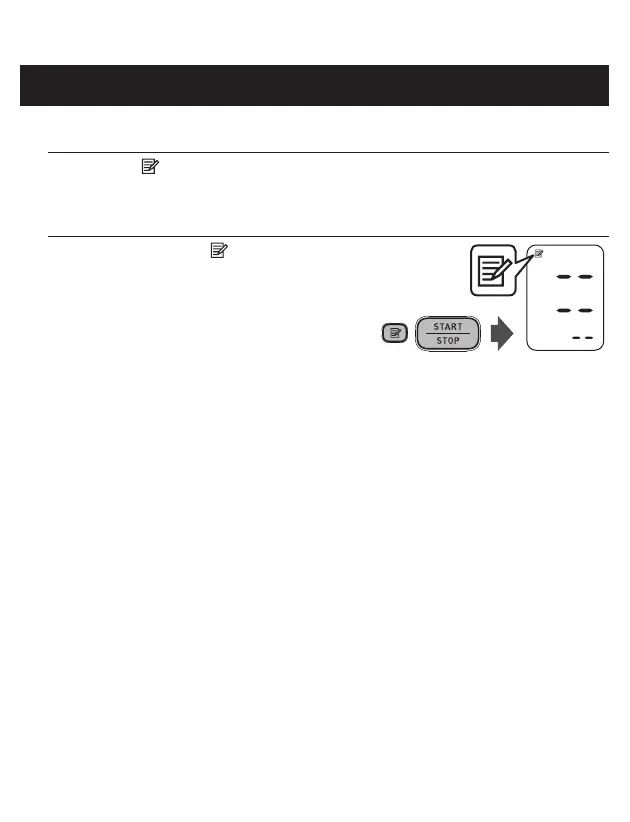
To Delete All the Values Stored in Memory
1. Press the button, while the memory symbol appears.
2. While holding the button down,
press the START/STOP button for
more than 3 seconds.
Note: You cannot partially delete the values stored in the memory.


 To Next Page