437
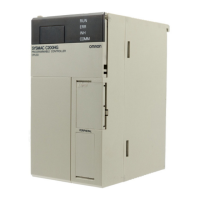
Restrictions on Use If the C200H-OV001 Voice Unit is being used, the 1:N mode cannot be used with
the RS-232 port. In that case, either use the NT Link in 1:1 mode or use the 1:N
mode with the port on the communications board.
Applications Refer to the documentation provided for the NT Link Interface Unit for details on
actual NT link applications.
8-6 The Protocol Macro Function
This section explains how to use the Protocol Macro function.
8-6-1 Introduction
The Protocol Macro function is a communications protocol that controls half
duplex (see below) data transfers with various communications devices and
general-purpose components equipped with RS-232C or RS-422/485 ports.
The user can easily modify the data transfer procedures (communications se-
quences) with OMRON’s Protocol Support Software and execute the commu-
nications sequences from the ladder program with PMCR(––).
The Communications Boards come equipped with seven communications pro-
cedures. These standard sequences can be used as is or modified to meet the
requirements of a particular application.
Note Refer to the Communications Board Operation Manual for details on Commu-
nications Boards and the Protocol Support Software Operation Manual for de-
tails on the Protocol Support Software.
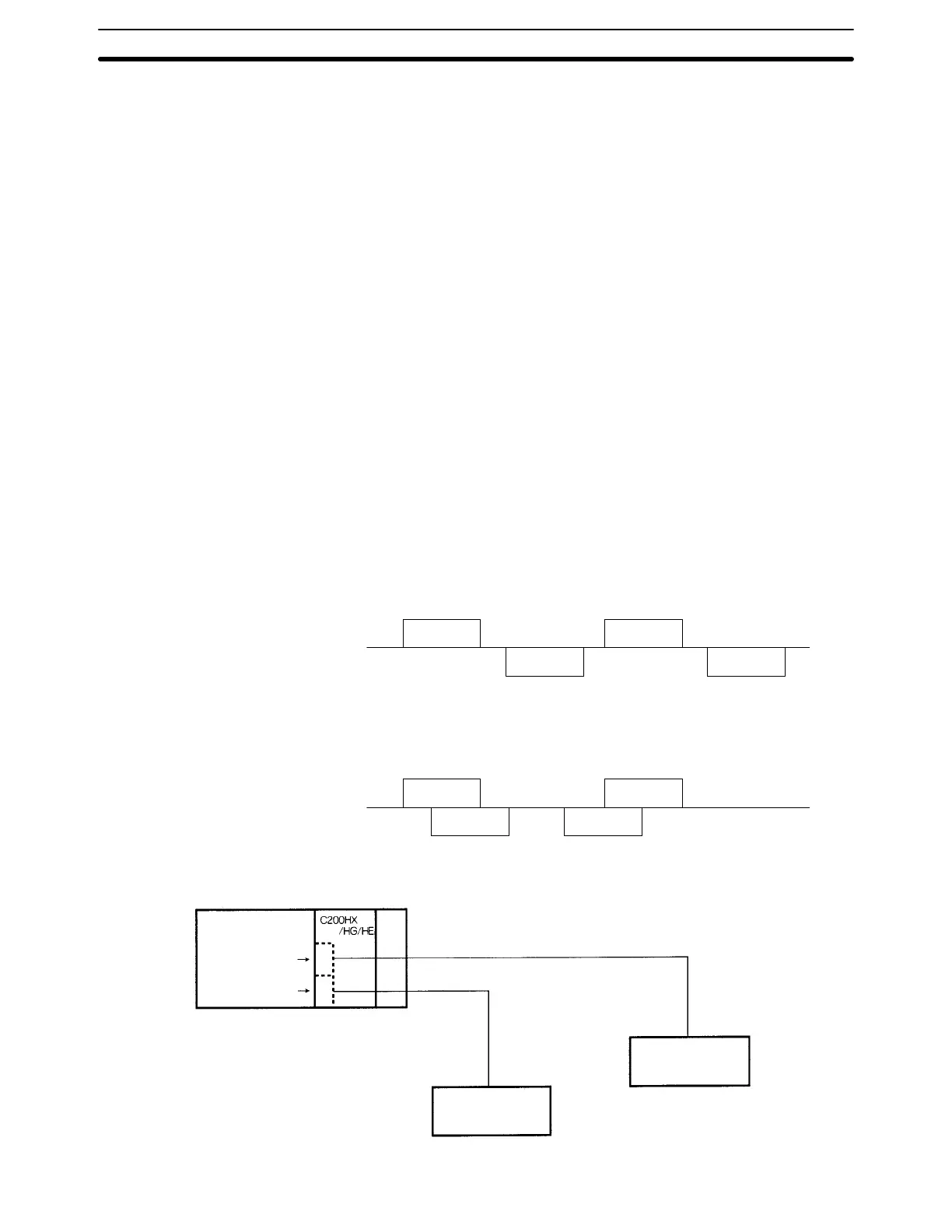
Half Duplex Communications
With half duplex communications, data is received and sent consecutively, i.e.,
not at the same time. (The C200HX/C200HG/C200HE Protocol Macro function
supports half duplex communications only.)
Send
Receive
Send
Receive
Full Duplex Communications
With full duplex communications, data can be received and sent simultaneously.
(The C200HX/C200HG/C200HE Protocol Macro function does not support full
duplex communications.)
Send
Receive
Send
Receive
Only one device can be connected with an RS-232C connection. The RS-232C
cable can be up to 15 m long.
(RS-232C)
Port B
(RS-232C)
Port A
Basic protocol RS-232C
15 m
Device with an
RS-232C interface
Basic protocol
RS-232C
15 m
Device with an
RS-232C interface
RS-232C Connection
(One-to-one)
The Protocol Macro Function
Section 8-6





 To Next Page