22
3
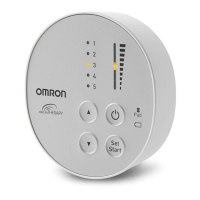
Start your therapy.
4
The session automatically stops after 30 minutes.
To stop the session before 30 minutes, press the power button.
The device will automatically turn off within 30 minutes when:
• The battery is depleted. (The battery indicator will flash orange, then the power
immediately turns off. Charge the battery fully.)
• The pad has been removed from below your knee during the session.
• The therapy has not started for more than 3 minutes.
After each session, clean the device, pad and band. Refer to sub-section
4.1 for cleaning instructions.
3.2 Get Started with Your Therapy


 To Next Page