22
MEASURING WEIGHT ONLY
Measurement should be taken on level and hard surface.
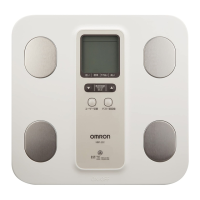
1. Press the ON/OFF button to turn on the power.
“8888” blinks on the display, then the display changes to 0.0 kg.
Wait until 0.0kg appears on the display.
NOTE: If you step onto the unit before 0.0 kg appears on the display,
an error “Err” will appear.
2. Step onto the Measurement Platform.
3. Check the measurement result.
The display will show your weight and then the weight result will
blink twice.
4. When the measurement is completed, step down from the unit.
The power is automatically turned off if the unit is not used for thirty seconds.
If you want to turn off immediately, press the ON/OFF button.
HBF-202-AUW_A_M.fm Page 22 Monday, November 22, 2010 4:35 PM










 To Next Page