25
TAKING A MEASUREMENT
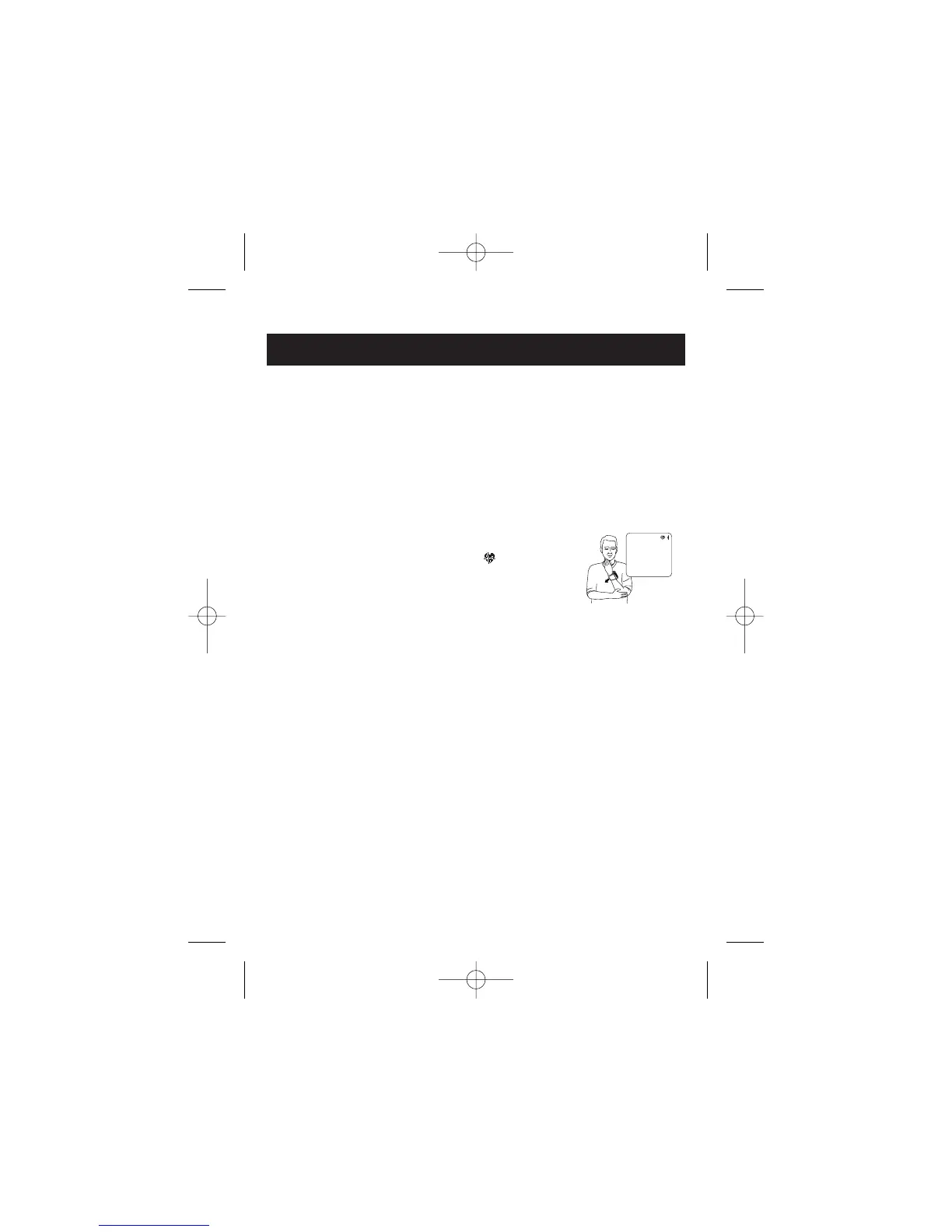
Hold your wrist in this position. Do not move until the measurement is
complete.
NOTE: To stop the inflation or measurement, press the START/STOP
button. The monitor will stop inflating, start deflating and will turn
off.
Please be careful not to raise your wrist too high.
If your wrist is raised higher than the level of your heart, the monitor will
emit a series of two short blips.
Slowly lower your wrist until the monitor beeps four
long tones and the Heartbeat Symbol ( ) starts to
flash. Then the wrist cuff automatically starts to
inflate.
Blip Blip


 To Next Page