26
TAKING A MEASUREMENT
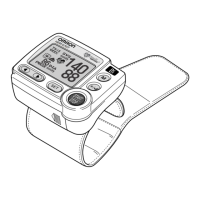
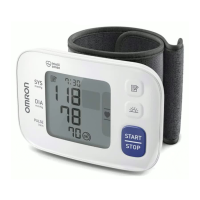
3. When the measurement finishes, the deflation symbol ( ) flashes and
the wrist cuff deflates.
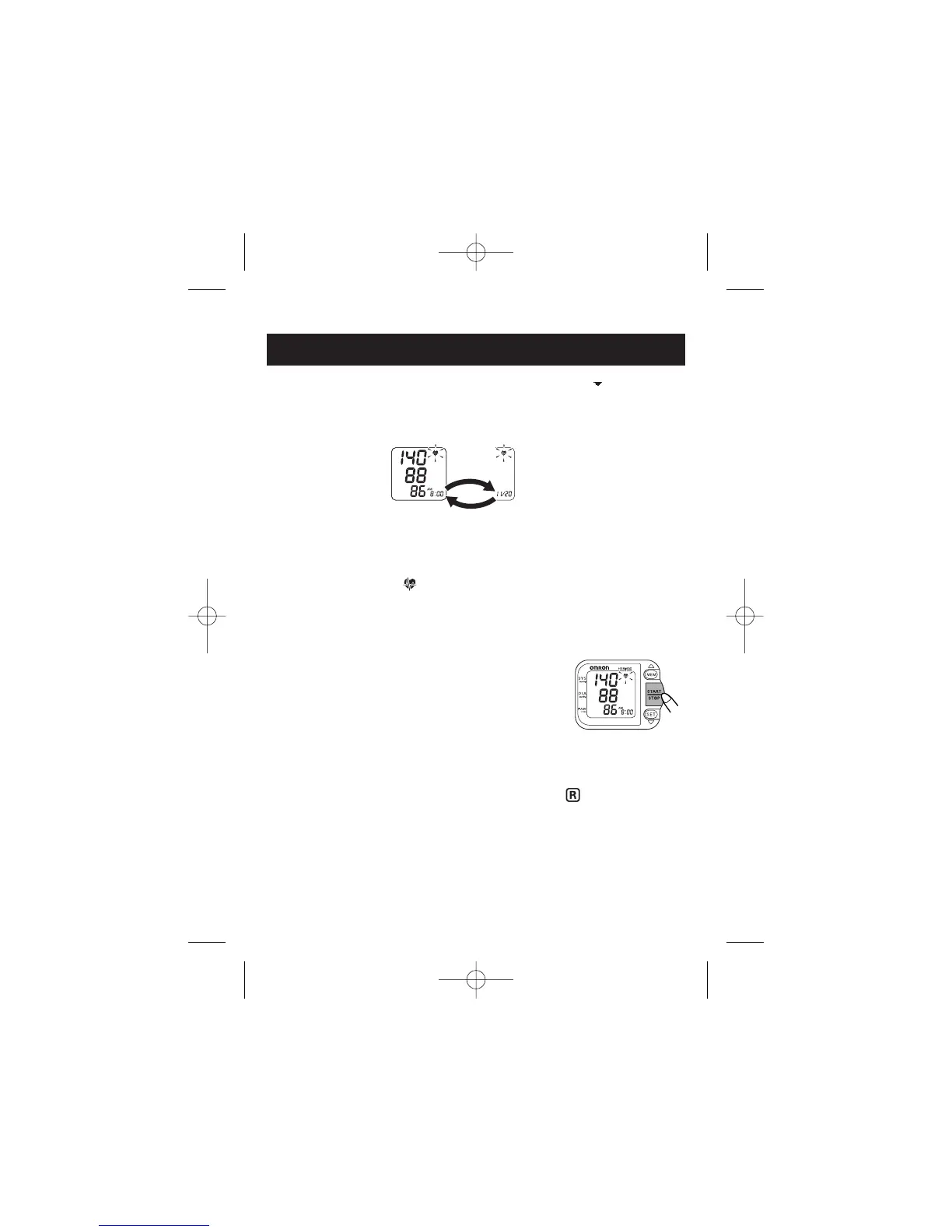
Your blood pressure and pulse rate are displayed.
NOTE: The time and date of the measurement are displayed alternately.
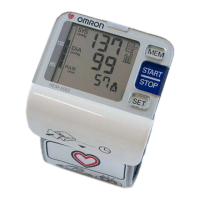
The Heartbeat Symbol ( ) flashes on the display with your blood
pressure and pulse rate if the reading is above 135 for the Systolic Blood
Pressure value and/or 85 for the Diastolic Blood Pressure value.
4. Press the START/STOP button to turn the monitor
off.
NOTE: The monitor will automatically turn off
after 2 minutes.
TAKING A MEASUREMENT ON THE RIGHT WRIST
Make sure that the right wrist measurement symbol ( ) is displayed
once START/STOP button is pressed.
To change the setting, refer to “Setting the Measurement Wrist”.
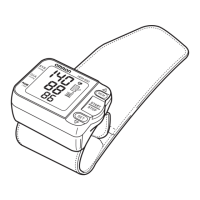
Alternating Display


 To Next Page