29
USING THE MEMORY FUNCTION
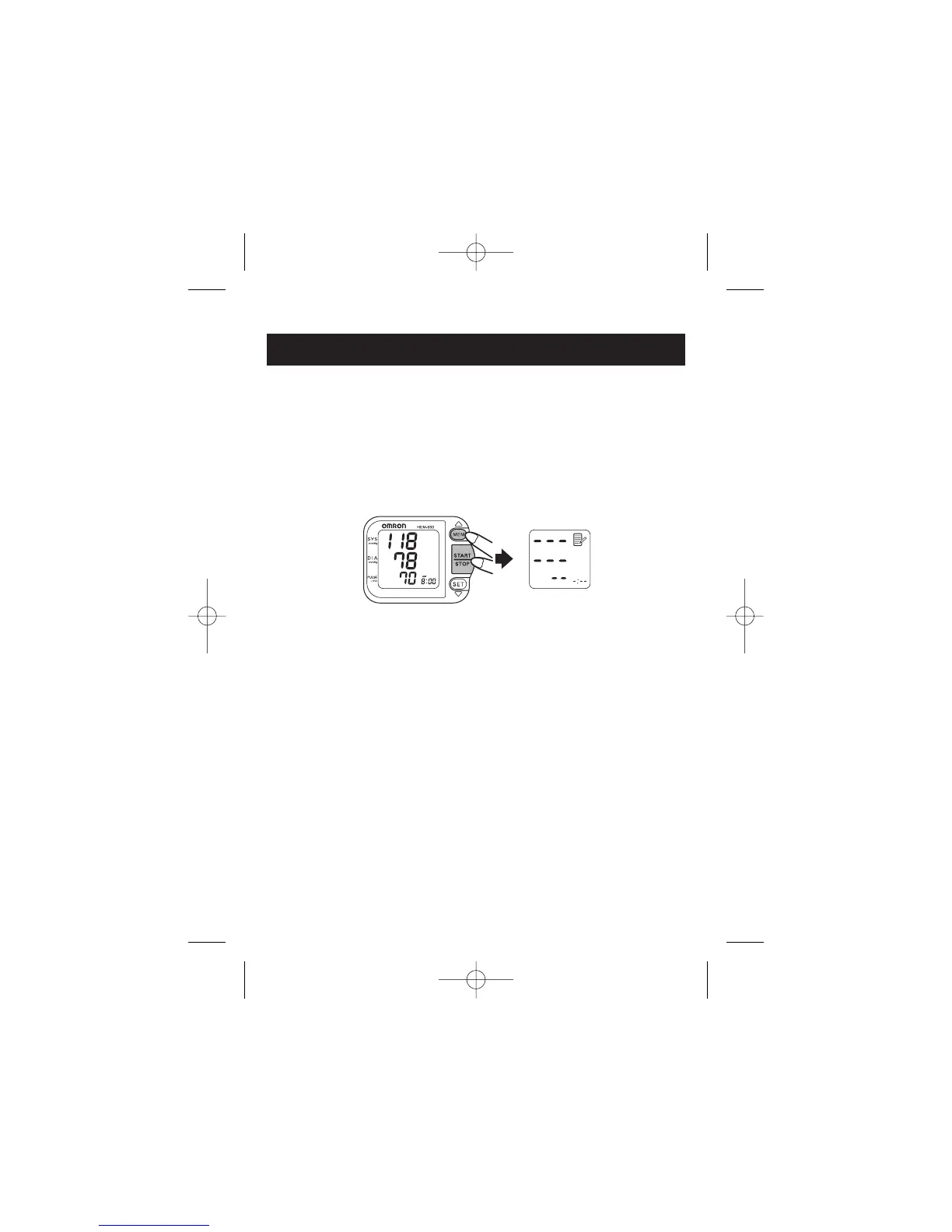
TO DELETE ALL VALUES STORED IN THE MEMORY
You cannot partially delete records stored in the memory.
All records will be deleted.
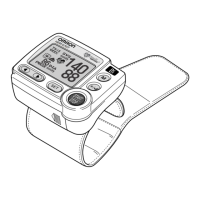
1. While holding down the MEM button, press and hold the
START/STOP button for more than 2 seconds.
2. Press the START/STOP button to turn the monitor off.


 To Next Page