21
3.Using the Unit
EN
3.5
Using the Memory Function
The unit automatically stores up to 21 sets of measurement values
(blood pressure and pulse rate). When 21 sets of measurement values
are stored, the oldest record is deleted to save the most recent values.
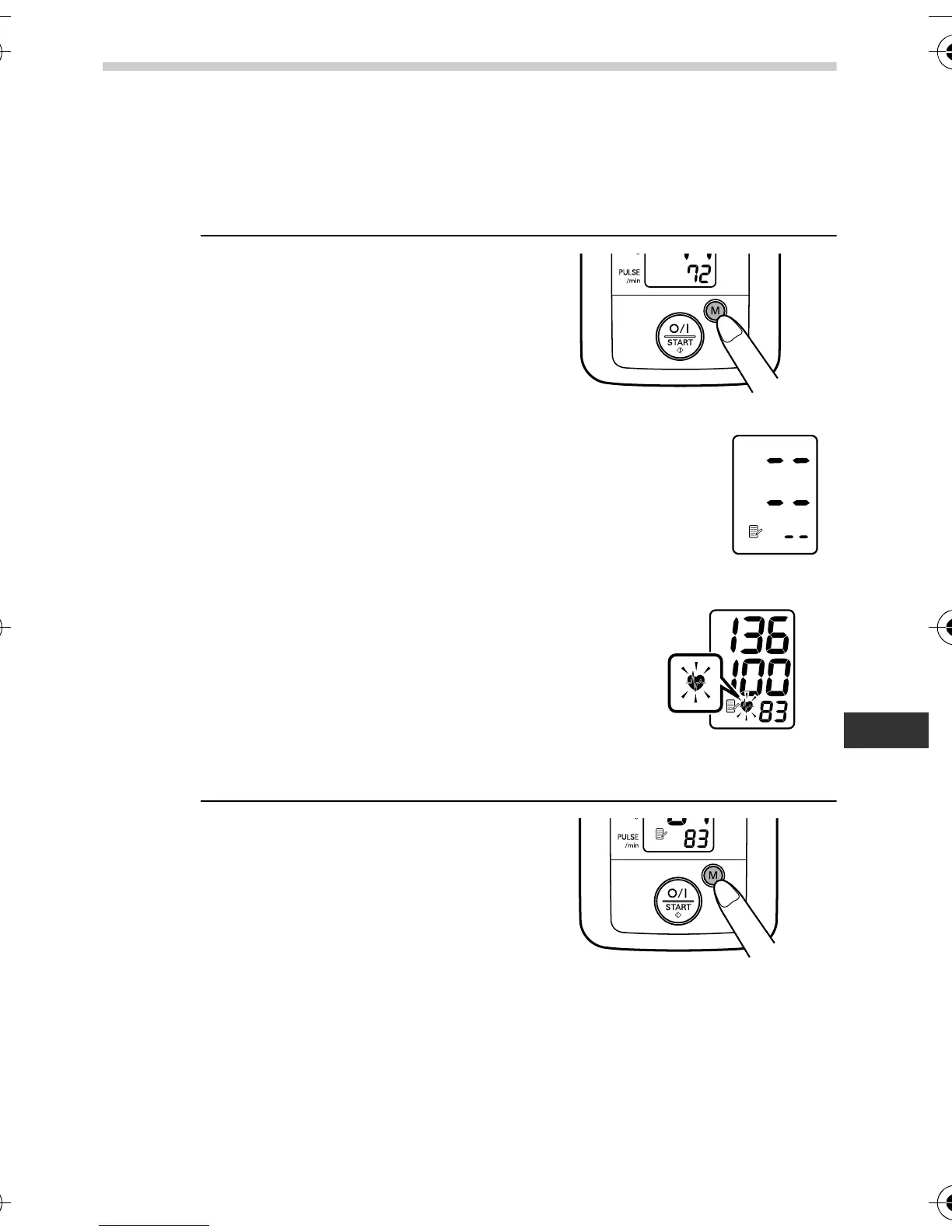
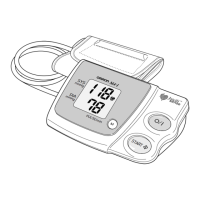
1. Press the M button.
Note: If there are no measurements results
stored in memory, the screen to the right is
displayed.
Important: If your systolic or diastolic
pressure is outside the
standard range, the
heartbeat symbol will blink
when the measurement
result is displayed. Refer
to 3.3, number 4.
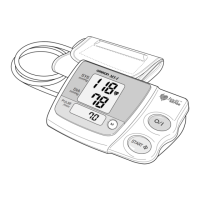
2. Press the M button repeatedly
to cycle through the previous
measurement results.
The Memory number appears
for a second before the pulse
rate is displayed.
The newest set is numbered “1”.
At the end of the measurement, if an irregular heartbeat is
detected, the irregular heartbeat symbol will be displayed with
the result.
HEM-7117-E_main.book Page 21 Friday, May 14, 2010 8:43 AM


 To Next Page