S8VS
6
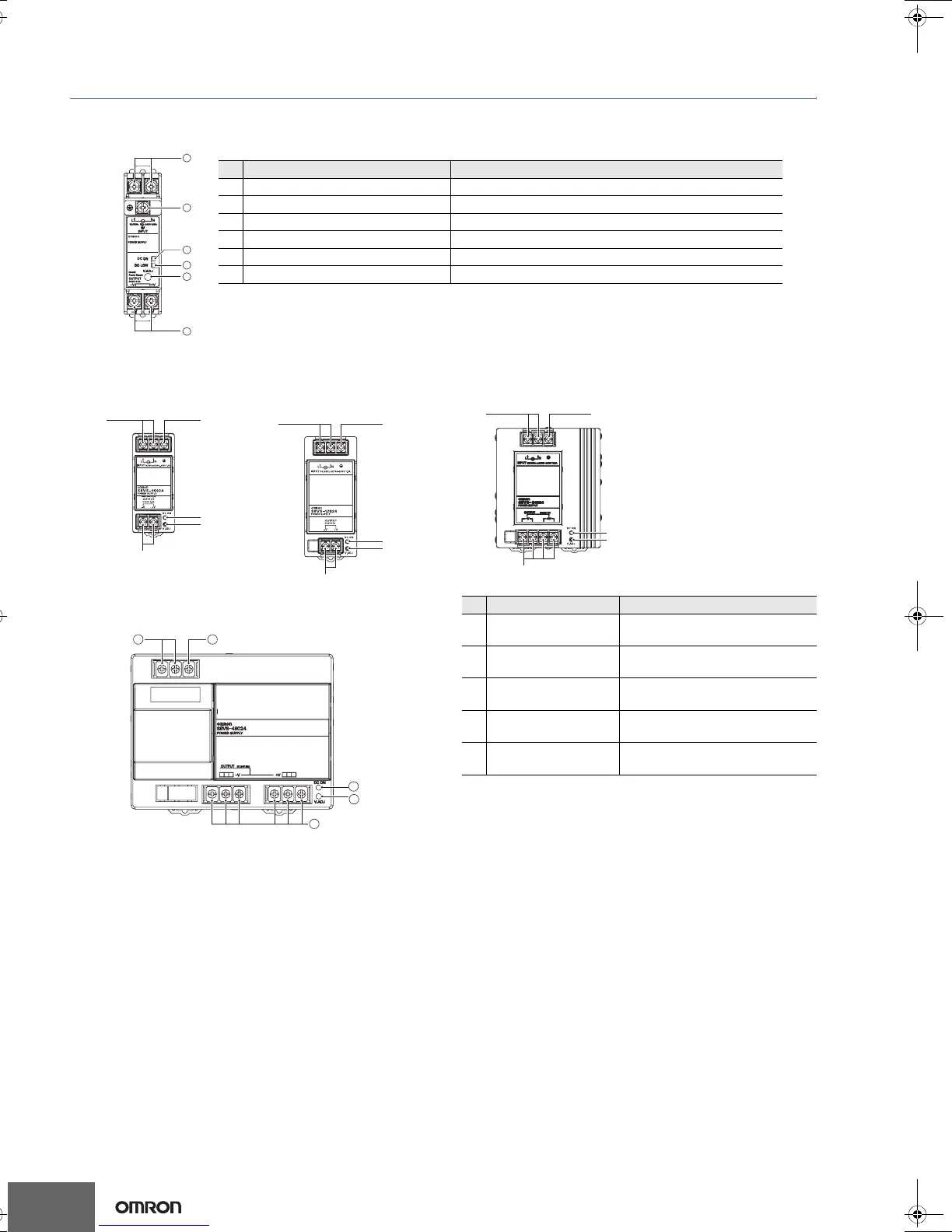
Construction and Nomenclature
Nomenclature
15 W, 30 W Models
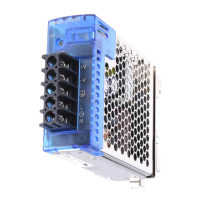
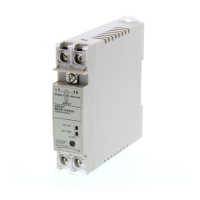
S8VS-01524/S8VS-03024
Note: The S8VS-03024 is shown above.
S8VS-03024
1
2
4
5
6
3
No. Name Function
1 AC Input terminals (L), (N) Connect the input lines to these terminals. *1
*1) The fuse is located on the (L) side. It is NOT user-replaceable.
2 Protective Earth terminal (PE) Connect the ground line to this terminal. *2
*2) This is the protective earth terminal specified in the safety standards. Always ground this terminal.
3 DC Output terminals (−V), (+V) Connect the load lines to these terminals.
4 Output indicator (DC ON: Green) Lights while a direct current (DC) output is ON.
5 Undervoltage indicator (DC LOW: Red) Lights when a drop is detected in the output voltage.
6 Output voltage adjuster (V.ADJ) Use to adjust the voltage.
60 W Models 120 W Models
S8VS-06024
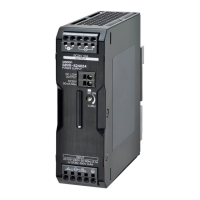
S8VS-12024
480 W Models
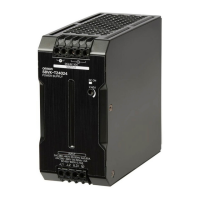
S8VS-48024
1
3
2
4
5
12
4
5
3
4
5
3
1 2
240 W Models
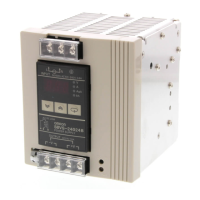
S8VS-24024
No. Name Function
1
AC Input terminals
(L), (N)
Connect the input lines to these
terminals. *1
*1) The fuse is located on the (L) side. It is NOT user-replaceable.
2
Protective Earth termi-
nal (PE)
Connect the ground line to this
terminal. *2
*2) This is the protective earth terminal specified in the safety stan-
dards. Always ground this terminal.
3
DC Output terminals
(−V), (+V)
Connect the load lines to these
terminals.
4
Output indicator
(DC ON: Green)
Lights while a direct current (DC)
output is ON.
5
Output voltage
adjuster (V.ADJ)
Use to adjust the voltage.
4
5
3
12
T01E-EN-02+S8VS+Datasheet.fm Seite 6 Dienstag, 4. November 2008 6:58 18



 To Next Page