94
8
8. Troubleshooting
Diagnose and solve problems
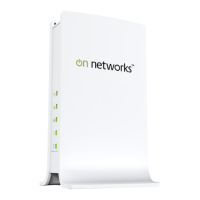
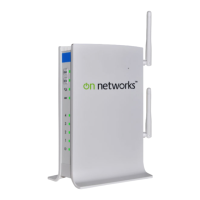
This chapter provides information about troubleshooting your N300 WiFi ADSL2+ Modem
Router (N300RM). After each problem description, instructions are provided to help you
diagnose and solve the problem.
Tip: On Networks provides helpful articles, documentation, and the latest
software updates at
http://www.on-networks.com/support.
This chapter contains the following sections:
• Troubleshoot with the LEDs
• Cannot Log In to the Modem Router
• Troubleshoot the Internet Connection
• TCP/IP Network Not Responding
• Changes Not Saved
• Incorrect Date or Time


 To Next Page
 Loading...