ONECELL25 - Installation Manual
13
4 Interface Description
4.1 LAN 10/100 Mbps Interface (FASTETHERNET)
4.1.1 Characteristics
• 100Base-TX,
• Full duplex,
• Auto-negotiation.
• Auto MDI/MDX
The Ethernet interfaces of the ONECell25 only support the 100 Mbps full-
duplex operations in auto-sense mode. If connected to devices in 10 mbps
or half-duplex, the ONECell25 interface will not be connected. The problem
can appear mostly with devices forced in such mode or with old Ethernet
hub.
4.1.2 Meaning of LED Colors
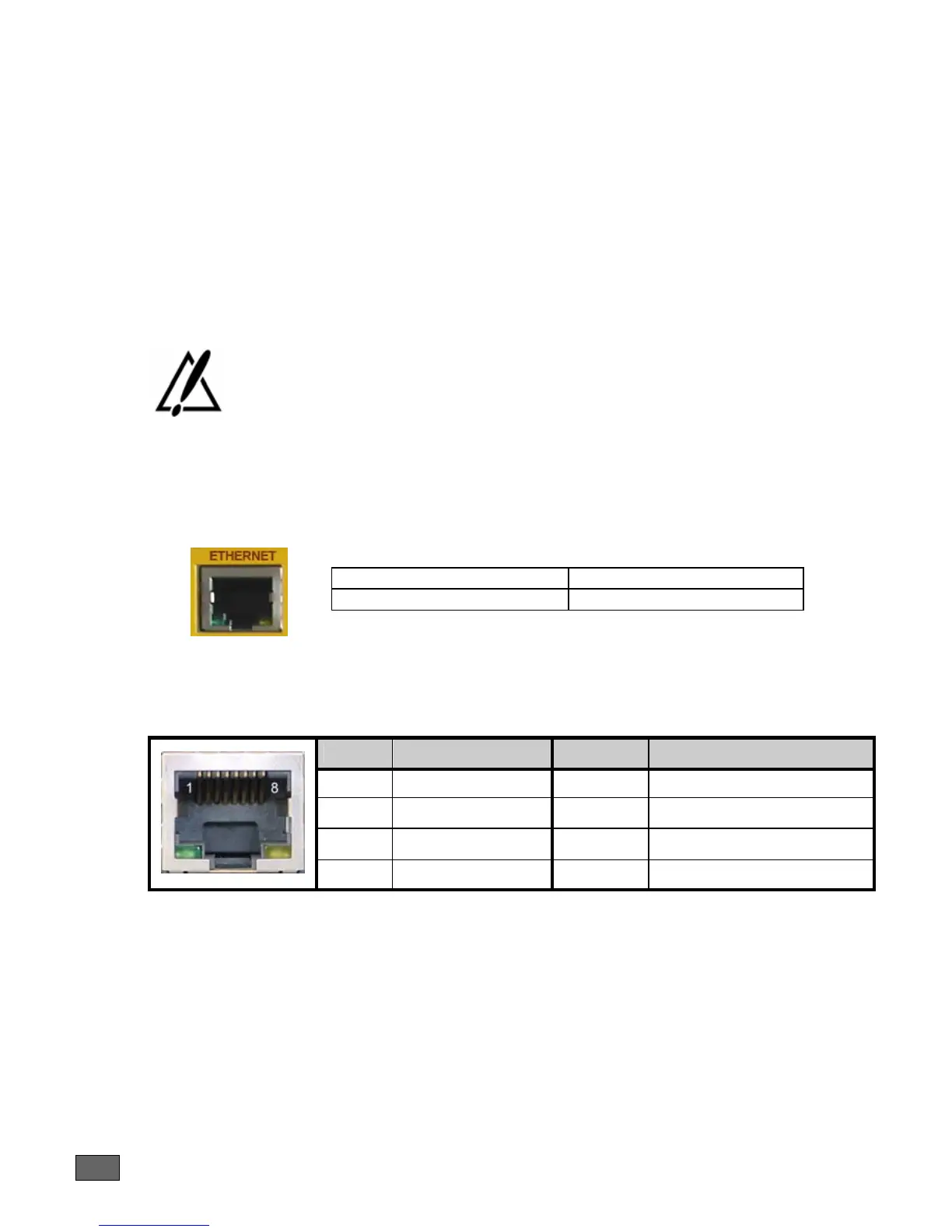
Lit green Led Link active
Blinking yellow Led Traffic in progress
4.1.3 Connector Pinout
RJ45 Connector:
Pin Signal Pin Signal
1 TD (+) 5 NC
2 TD (-) 6 RD (-)
3 RD (+) 7 NC
4 NC 8 NC
4.1.4 Cables
A standard Ethernet cable is needed (shielded UTP Cat. 5).



 To Next Page