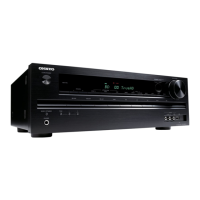
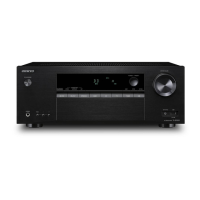
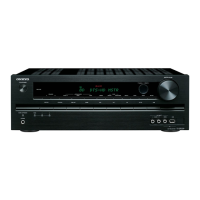
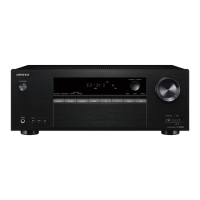
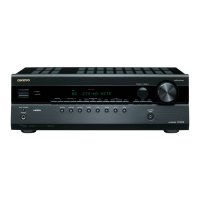
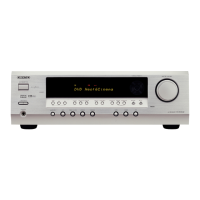
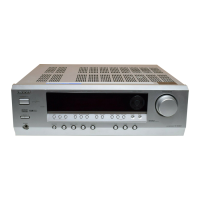
(European, Australian
and Asian models)
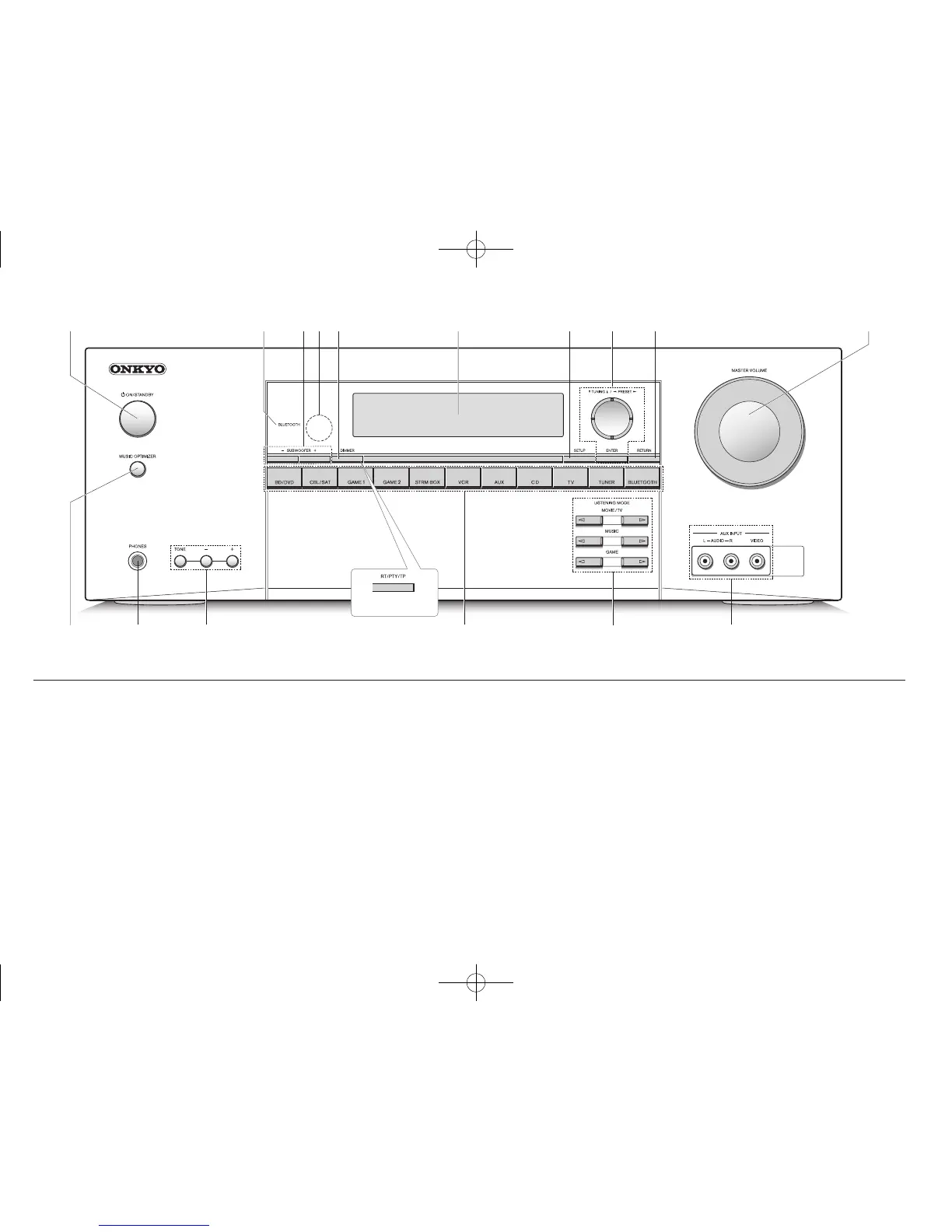
Front Panel
1 zON/STANDBY button: Turns the unit on or into
standby mode.
2 BLUETOOTH indicator: Flashes while pairing with a
Bluetooth-enabled device is in progress and stays lit
when pairing is completed.
3 SUBWOOFER Level buttons: Adjust the volume of the
Subwoofer.
4 Remote control sensor: Receives signals from the
remote controller.
5 DIMMER button (North American and Taiwanese
models): Switches the brightness of the display.
RT/PTY/TP button (European, Australian and Asian
models): Can be used when receiving the station
transmitting text information.
6 Display: Refer to page 12 for details.
7 SETUP button: Used when making settings.
8 Cursor buttons,
l
TUNING
j
button,
d
PRESET
c
button and ENTER button: Move the cursor and
confirms the selection. When listening to AM/FM
broadcasting, tune in to the station with
l
TUNING
j
or
select the registered station with
d
PRESET
c
.
9 RETURN button: Returns the display to the previous
state.
F MASTER VOLUME: Allows you to adjust the volume.
G MUSIC OPTIMIZER button: Turns on/off the MUSIC
OPTIMIZER function that improves the quality of the
compressed audio.
H PHONES jack: Stereo headphones with a standard plug
are connected.
I TONE and Tone Level buttons: Adjust the high tone
and low tone.
J Input selector buttons: Switch the input to be played.
K LISTENING MODE buttons: Allow you to select the
listening mode.
L AUX INPUT VIDEO/AUDIO jacks: A video camera or
such other device is connected.
TX-SR343_BAS_En_SN29401958_1502xx.indd 3 2015/04/12 15:36:28


 To Next Page