Installation
24
For HEX-E/H QC
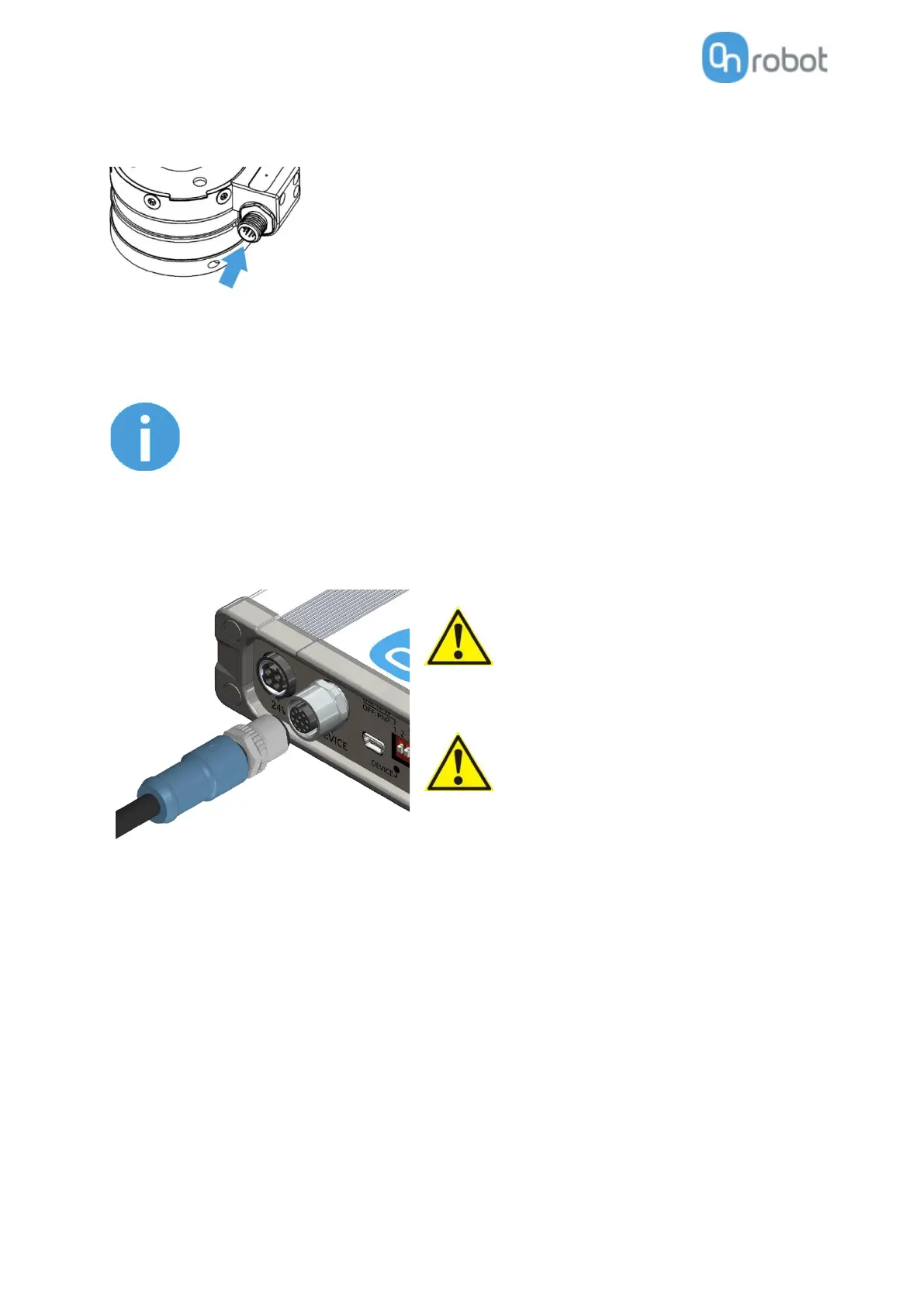
Use the marked M12-12pin connector on the HEX-E/H QC.
Then route the Tool data cable to the Compute Box (CB) and use the supplied Velcro tape (black) to fix it.
Make sure that during the routing some extra length is used at the joints
so that cable is not pulled when the robot moves.
Also make sure that the cable bending radius is minimum 40mm (for the
HEX-E/H QC it is 70mm)
Finally, connect the other end of the Tool data cable to the Compute Box's DEVICES connector.
Use only original OnRobot tool data cables.
Do not cut or extend these cables.
Quick Changer and Dual Quick Changer can
only be used to power OnRobot tools.
4.3.2 Ethernet cable
First temporarily you need to connect one end of the suppled Ethernet (UTP) cable to your computer to
set up the Compute Box (instruction will come in next section).
Then you will need to unplug it from your computer and connect it to Ethernet port of the robot
controller's EtherNet/IP Slave card as shown below.



 To Next Page