Additional Software Options
86
Zero value set on this page is not stored permanently and are restored to
the default values on power reset.
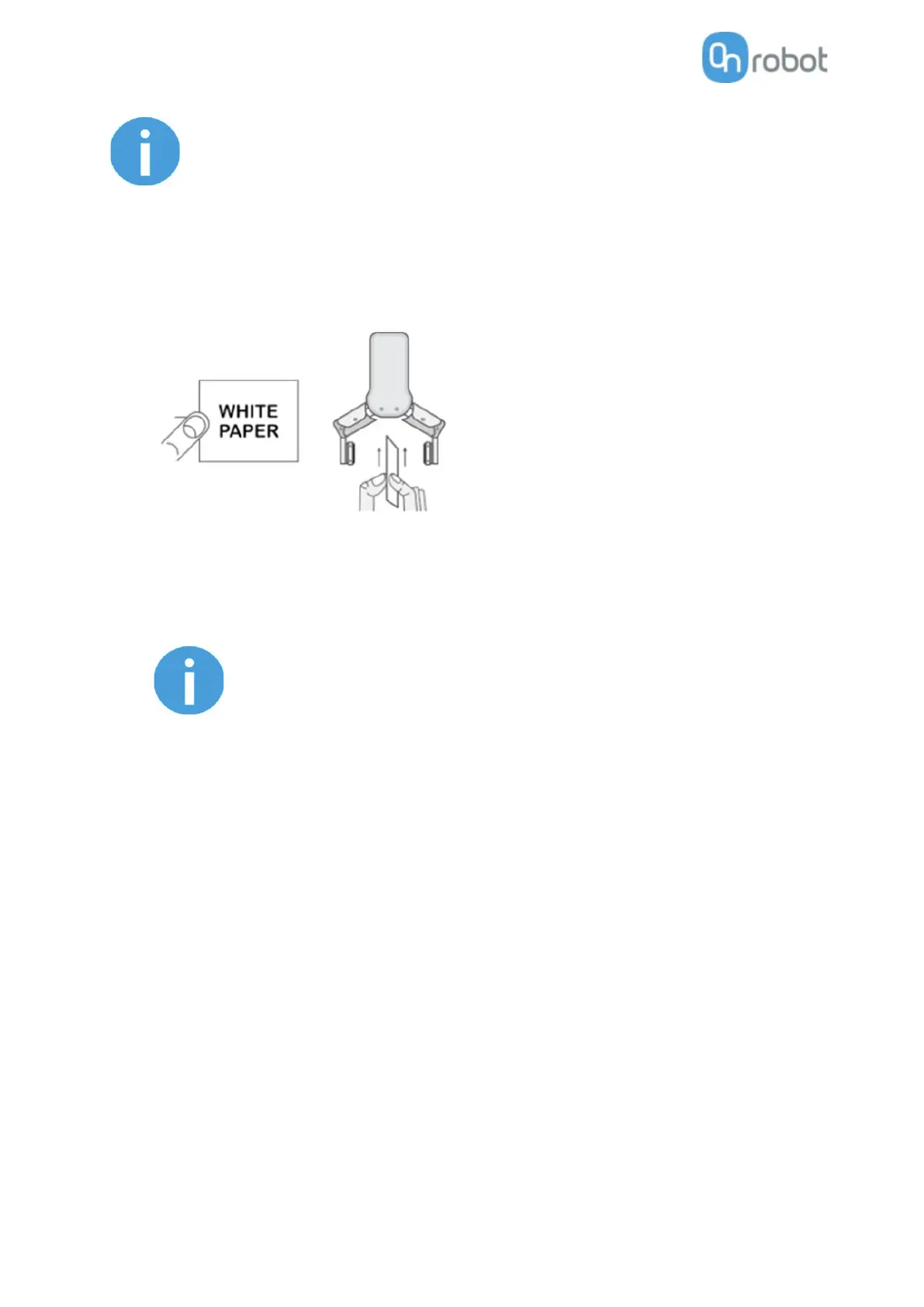
The Proximity Offset can be used to calibrate the proximity reading. The calibration requires the following
steps to be done:
• Write 0 mm to the Left and Right edit box and click on the Save button.
• Close the gripper fully (set the Width to 0) while you hold a white paper between the fingertips.
• Read the actual Left and Right Proximity values (e.g.: 19mm and 25mm)
• Write these values to the Left and Right edit boxes and click on the Save button to store it
permanently.
• Open the gripper and the calibration is finished.
Setting the offsets too high may clip the proximity reading at 0 mm
(negative distance is not shown). In case of clipping (reading 0 mm), try
to decrease the offset values.
The gripper can be controlled by adjusting the Force and Width value. First set the required gripping force
and then adjust the width slider that will immediately control the gripper.



 To Next Page