Additional Software Options
92
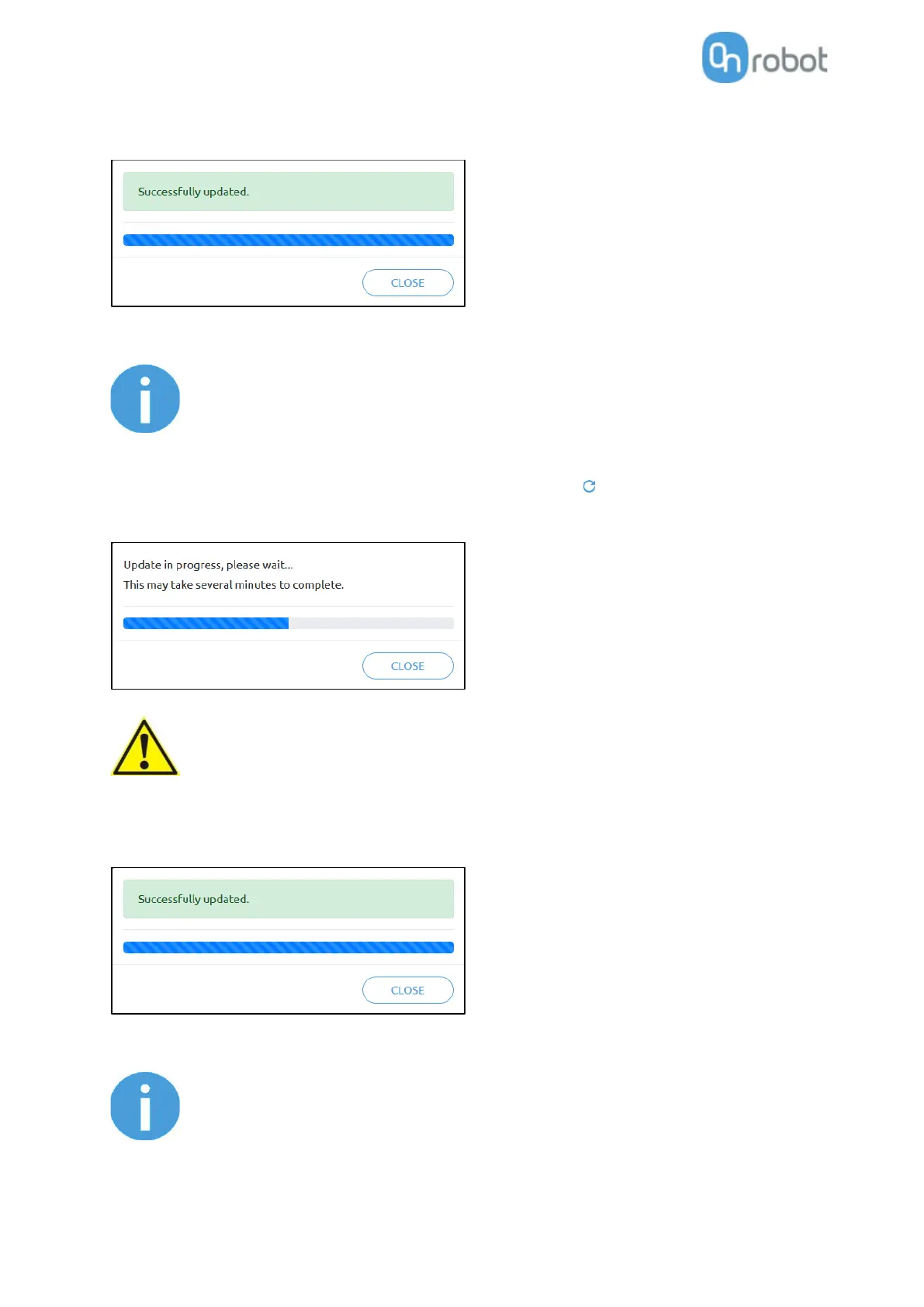
If the update is finished and was successful, the following message is shown:
Now disconnect the device and use it as usual.
If the software update failed, please contact your distributor.
The firmware update is only required when any of the components is out of date.
To start the firmware update, click on UPDATE button in the firmware section of the page.
During the update process (takes about 5-10 minutes) DO NOT unplug
any device or close the browser window. Otherwise the updated device
could be damaged.
If the update is finished and was successful, the following message is shown:
Now disconnect the device and use it as usual.
If the update is failed, please contact your distributor.



 To Next Page