Troubleshooting
■ My handset doesn’t work
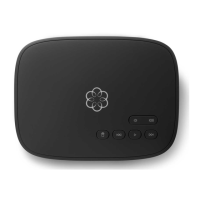
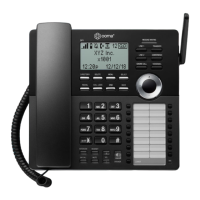
• If your phone cannot register to your Ooma Telo, you
might have a first-generation Ooma Telo Handset and
your Telo is running in a mode that does not support
the new Ooma HD3 Handset. Dial
*
#
*
#
3
0
2
from a phone connected directly to the Telo, wait for
your Telo to reboot and then try again.
• Make sure your batteries are properly installed and
sufficiently charged.
■ My phone doesn’t ring
• Your ringer may be turned off. Increase the ringer
volume by pressing up on the navigation pad from the
home screen.
• Check the signal quality with the signal strength
indicator. Bring the handset closer to the Telo and try to
answer an incoming call.
• When DND is on, the status bar will display and all
incoming calls will go directly to voicemail. To turn this
feature off, go to Menu, then Settings and choose Do
Not Disturb.
■ I don’t hear a dialtone
• Verify that your Ooma Telo is powered on and working
properly. The Ooma logo should be lit blue. If you have
a regular phone, plug it into the PHONE port of the Telo
to check for dialtone.
■ My handset won’t charge
• Make sure the charging cradle is plugged in.
• Make sure that the handset is placed in the
cradle securely.
• Remove the batteries from the handset and
re-install them. Replace the batteries with new
Ni-MH rechargeable batteries if your current set
no longer works.
■ I hear noise or static
• Bring the handset closer to the Ooma Telo to see if
quality improves.
• Try moving your Ooma Telo and handset away from
devices that may generate interference (other phones,
computers, wireless devices, electrical appliances
like microwaves).
■ Call quality is not good
• Try adjusting the earpiece volume by pressing up/down on the navigation pad.
• Move closer to the Ooma Telo to see if the audio quality improves.
• Ensure that the handset batteries are fully charged.
• Problems with voice quality might be due to your Internet connection. Please visit
www.ooma.com/support for tips on troubleshooting your Internet connection.
Have a question or need assistance?
Here is where you can look for help:
Online Knowledgebase: www.ooma.com/support
User Manuals: www.ooma.com/userguide
Community Forum: forums.ooma.com
Live Customer Care: 1-888-711-6662 (US) 1-866-929-6662 (Canada)
2524


 To Next Page