3
4.3
|
Securing the ambient air temperature cable
Clip the cable to the underside of the oven.
5. Using the Ooni Connect™ Digital Temperature Hub
5.1
|
Download the Ooni app
5.2
|
Powering On/O device
a. Turn on the device with a short press of the power button.
b. Turn o the device with a long press on the power button.
Turn o your device when not in use to save battery.
The device will automatically switch o after 45 minutes.
5.3
|
Setting the Oven ID
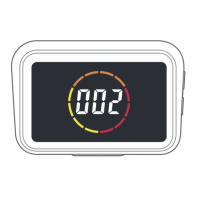
After the first power on, you will need to set the Oven ID for your Ooni Connect™
Digital Temperature Hub. Use the Temperature Cycle Button and the Back-Light
button to cycle between the Oven ID numbers until you reach the correct one.
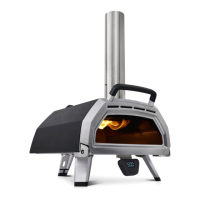
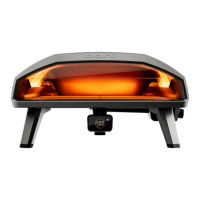
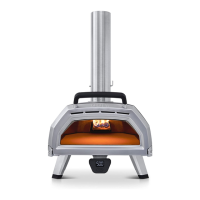
The Oven ID for Ooni Karu 2 Pro is 002.
Confirm this Oven ID by pressing the Power Button.
5.4
|
Changing the Oven ID
Press and hold the Temperature Cycle Button and Back-light button together
for 3 seconds to re-select the Oven ID. Simply update the Oven ID and confirm
the selection.
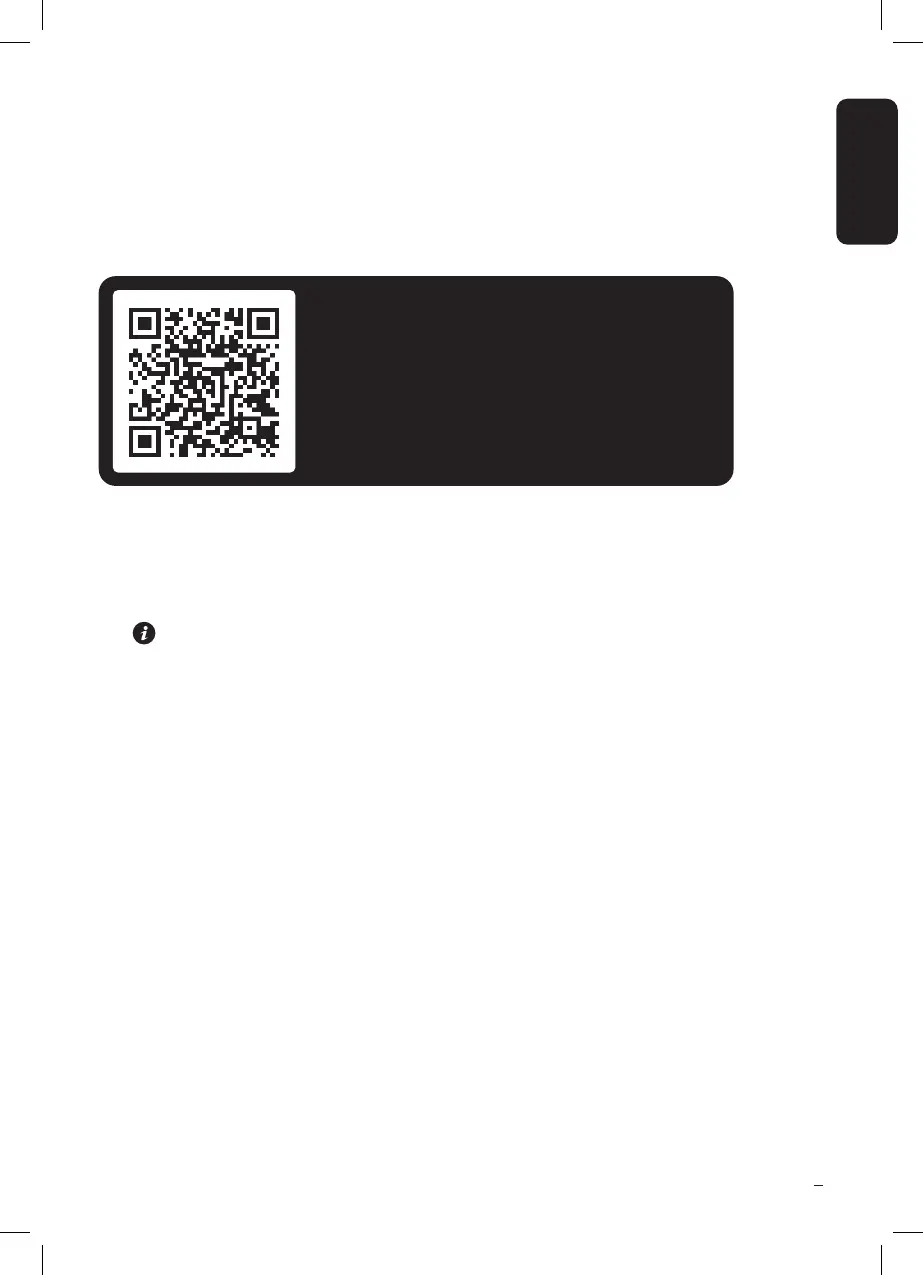
Scan to download the Ooni app
Setting up your Ooni Connect™ Digital
Temperature Hub is simple, and the Ooni app
will walk you through each step. If you already
have the Ooni app, be sure to update to the
latest version.


 To Next Page