102
Calculator
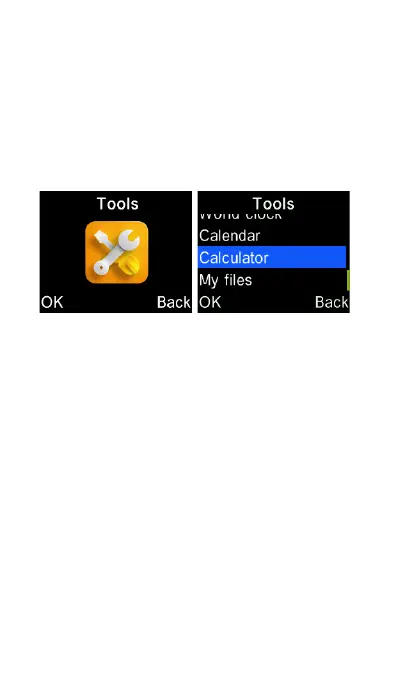
To access the calculator, select “Tools”
icon from the main menu, then select
“Calculator“.
This is just like any normal calculator.
Press the number keys on the keypad
and use the cursor keys for the
calculations. The “Hash” # key is for
typing a decimal point. The */+ key is for
switching between negative and positive
number. The Delete key is for cancelling
the last key typed. OK key is equal.















 To Next Page