88
To randomly playing music files
within a playlist, press the Options
key and select Shuffle.
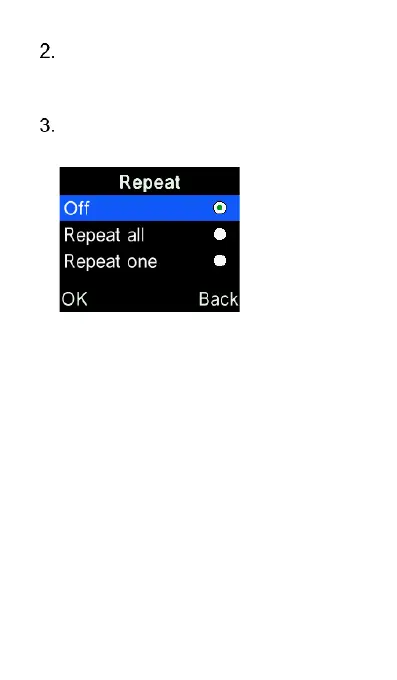
To repeat playing music, press the
Options key and select Repeat.
FM Radio
The FM Radio can be accessed via the
Tools icon on the main menu. Please
note: For better FM reception and sound
quality, it is suggested to be used in an
outdoor environment.















 To Next Page