76
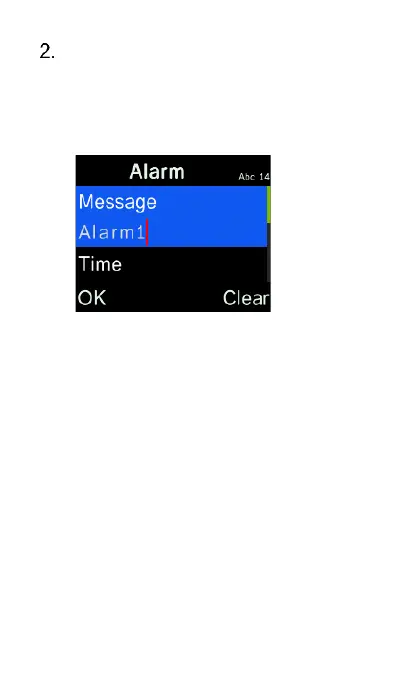
Press the OK key to edit an alarm.
You can change the alarm name,
time, tone and repeat mode. You
even can record your own voice as
the alarm tone.
Camera / Video
Recorder
To take photos or record videos, select
Tools icon from the main menu, then
select Camera. For quick access, you
can also access the camera by pressing















 To Next Page