42
To call any of your Speed Dial
contacts, press and hold the
M1/M2/M3 or 2-9 number keys
from the home screen for 3
seconds, the phone will then dial
that saved contact.
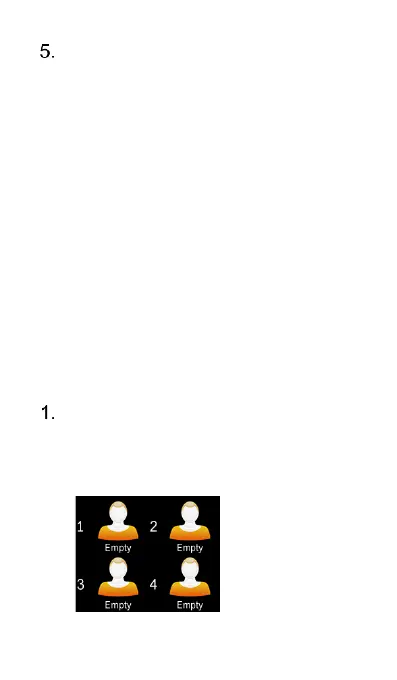
Photo Dial
Photo Dial is an intuitive and visualized
way to call the people that you may
contact on a regular basis. Up to 8
contact shortcuts can be added to Photo
Dial.
To set up Photo Dial, press the
Down cursor key at the home
screen to get into the Photo Dial
menu instantly.















 To Next Page