43
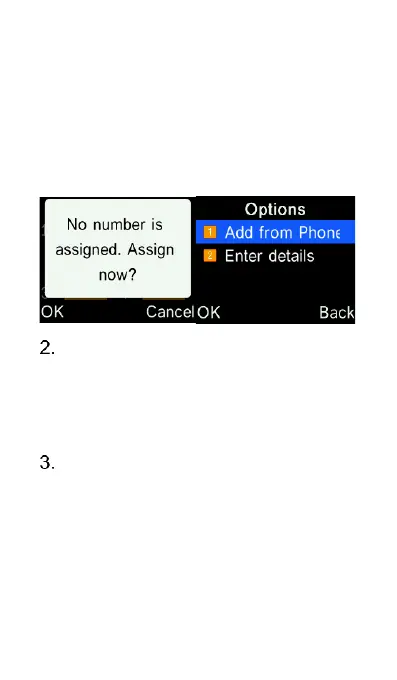
To assign a new phone number to
an empty slot, press the
corresponding number key and
then Options key. You can add a
contact from the phone contacts,
or type in the phone number
directly.
To call any of your Photo Dial
contacts, press 1-8 number keys
while in the photo dial menu, the
phone will then dial that saved
contact.
To remove a phone number from a
Photo Dial slot, select the
“Contacts” icon from the main
menu, then press Options key and
select “Photo Dial”. Scroll to the
slot you want to clear and press















 To Next Page