82
Video Viewer
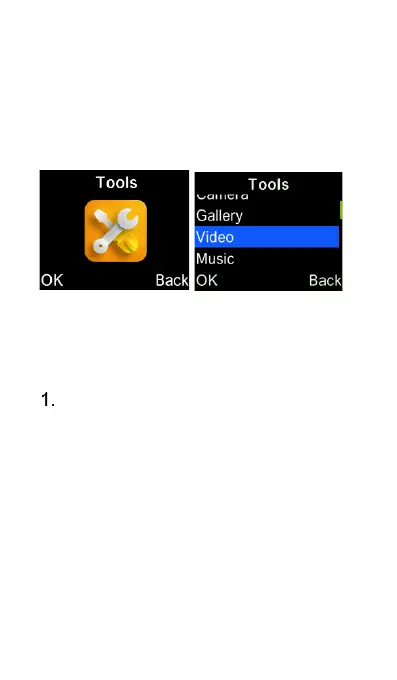
For Video Files - Select Tools and then
Video icon from the main menu.
By selecting Video, you will see the most
recent file.
Press “OK” key to play the most
recent video file. Left/Right cursor
keys to go to the next or previous
video file. Up/Down cursor keys for
adjusting the volume.















 To Next Page