93
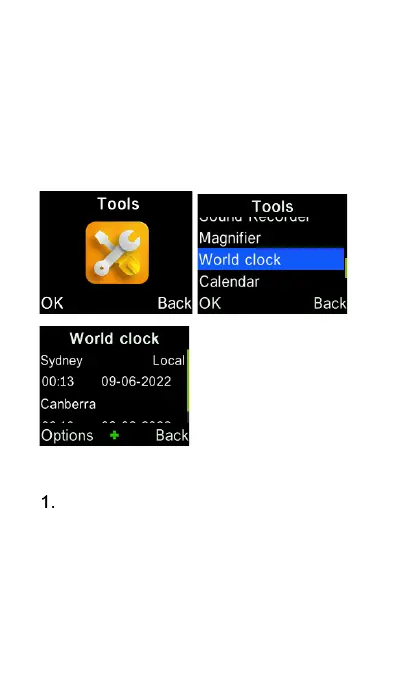
World Clock
To access the World Clock, select the
“Tools” icon from the main menu, then
select “World Clock”.
To add cities to your world clock list,
press the OK key, or Options key
and select Add city, then scroll
down using the cursor key until you
find the cities you wish to include in















 To Next Page