37
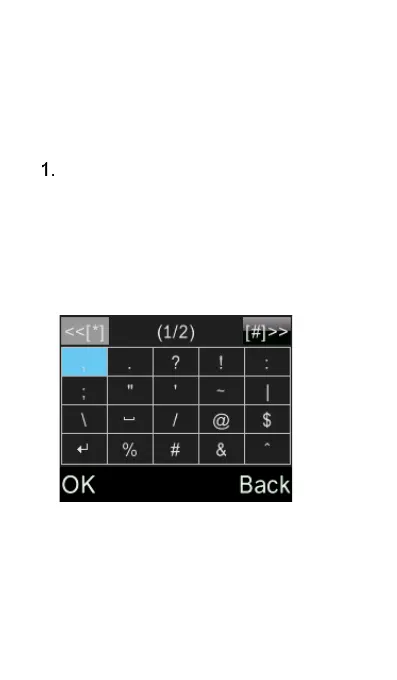
Symbols (except
123 mode)
To add symbols like dot, comma,
question mark, etc., press the “Star”
* key and scroll using the up/down
cursor key and the M1 (Left) and
M3 (Right) keys to choose the
symbol you wish to use. Confirm
your selection with the OK key.















 To Next Page