58
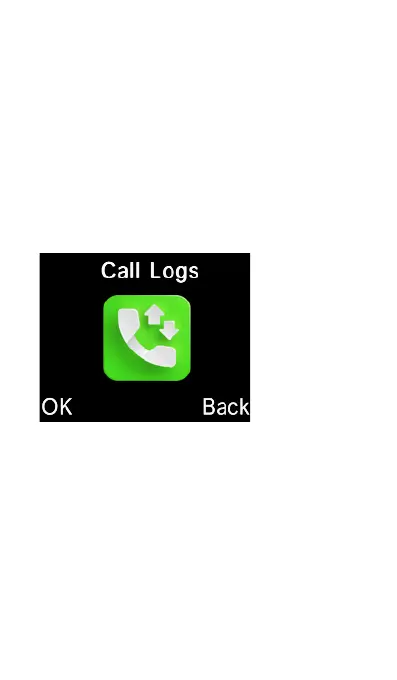
Call Logs
To access call history including dialed
calls, received calls, missed calls and
rejected calls, select “Call Logs” icon
from the main menu, or simply press the
green “Answer/Call” key at the home
screen.
To view different types of call history,
scroll down using the cursor keys to
highlight a call log and press the “OK”
key to view that particular type of call
history.















 To Next Page