85
Music
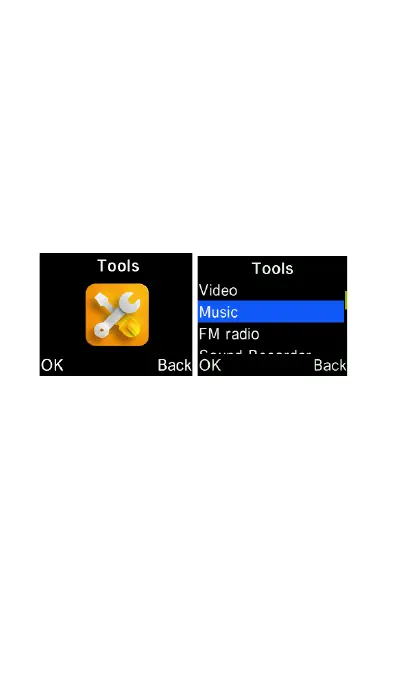
Select Tools from the main menu and
then select Music. Using the curser to
select and playback a song. You can
playback music files saved to an
external memory (SD) card inserted into
the phones SD card slot.
Press “OK” key to play/pause the
music. Press the Left/Right cursor keys
to go to the next or previous tracks, or
press and hold to fast forward or rewind
the current music playing. Press End
Call or Back key to leave the music
being played in background, while
operating the phone as usual.















 To Next Page