105
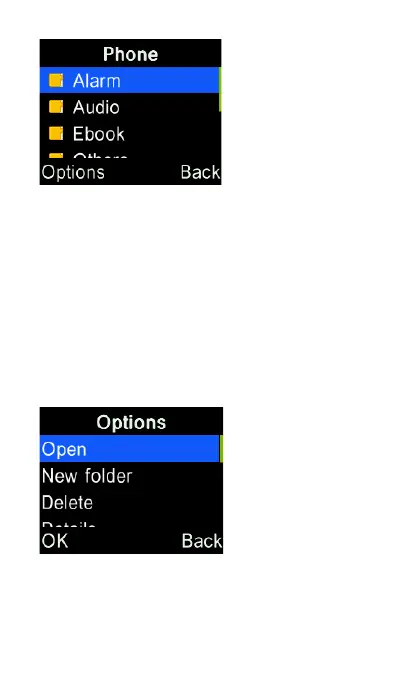
Use cursor keys to highlight the file you
want to manage, then press the “OK”
key to open the file or press Options key
to select various actions, including
create new folder, send via
SMS/MMS/Bluetooth, delete, view
details, search, rename, copy/cut and
paste.















 To Next Page