118
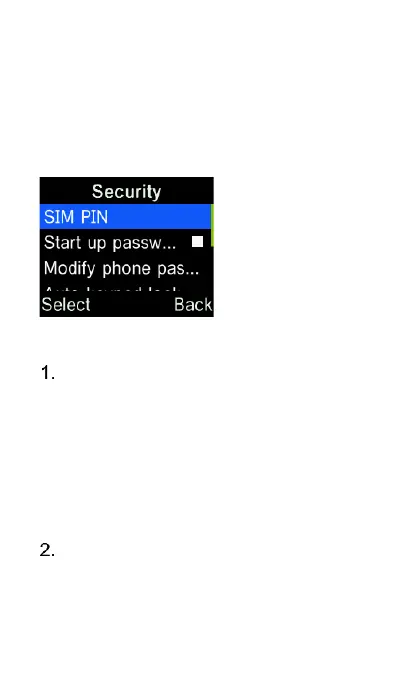
Security
Here you can change SIM PIN number,
enable phone startup password, keypad
lock, call and message blacklist settings.
SIM PIN – Enable SIM PIN and
change the PIN number (default
PIN is provided by your network
operator), press the “OK” key on
SIM PIN to enable SIM PIN. To
modify the SIM pin press the “OK”
key on “Modify Pin” and enter the
new PIN.
Require phone password to startup
- Enable phone startup password
and change the password (default















 To Next Page