120
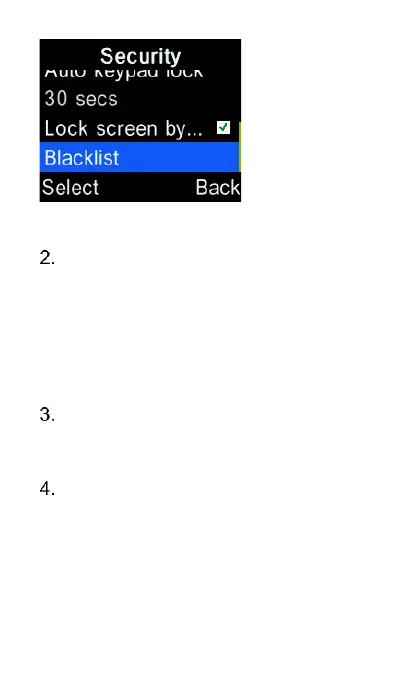
To add new number to the blacklist
press “Options” key and select
“New” then type in the name and
phone number you want to block
from calling or messaging you.
Then select “Save” to save it to
your blacklist.
To remove a phone number on the
blacklist, highlight it and press
“Options” key and select “Delete”
Blacklist settings allow you to
select whether blocking either
voice calls or messages or both.















 To Next Page