123
select the options you wish to use
using the “OK” Key and selecting on
or off.
Hide Caller ID – Do not show your
phone number (caller ID) while
making an outgoing call. Select
either Hide Caller ID, Display own
ID or Display ID set by your network
using the “OK” key.
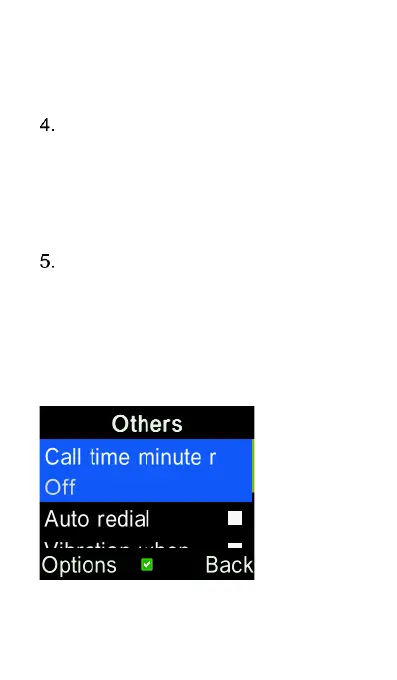
Others – Enable call minute
reminder, auto redial, vibration
when connected, reply SMS after
rejected call, flight mode and voice
call recording. Press the “OK” key
on any selection to turn this function
on or off.















 To Next Page