19
they will be able to supply one for
you.
If you wish to use an optional
MicroSD memory card for extra
phone storage, insert it into the
memory card slot, ensure the gold
plates are facing downwards when
inserting it into the phone.
(PLEASE NOTE: supports up to
32GB MicroSD card only)
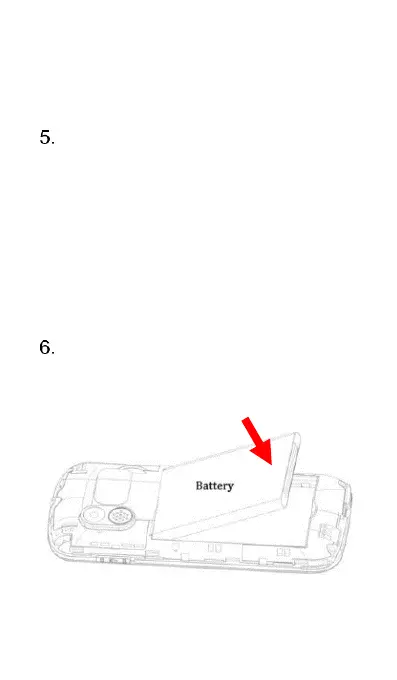
Re-insert the battery back into the
phone. Ensuring the gold plates on
the battery and the phone are
aligned.















 To Next Page