46
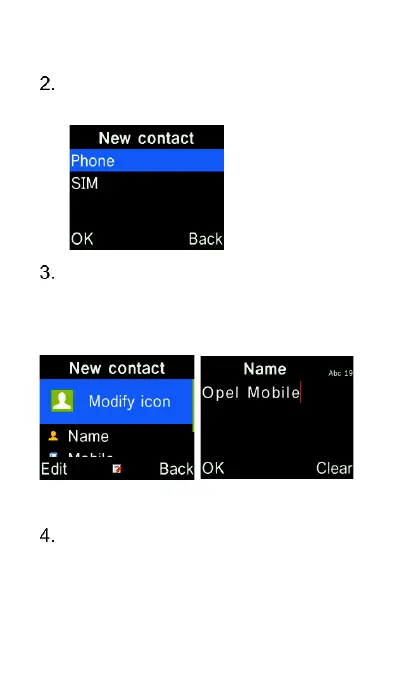
Choose “Phone” or “SIM” memory
to save this contact
Press down cursor key to get to
Name, then press OK key. Type in
the contact name using the keypad
and press OK to confirm.
Use the down cursor key to get to
“Mobile” number, then press the
OK key. Type in the phone number















 To Next Page