48
Edit a contact
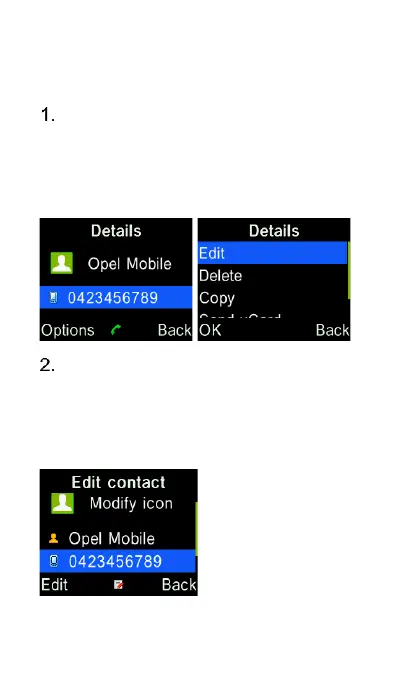
Highlight the contact using the
cursor keys, press “OK” key to view
the contact. Then press Left
selection key for “Options” and then
“Edit” from the menu.
Modify the contact’s name and
phone number using the keypad
and press “Save” key to save the
contact. (Refer to the previous
“Add a contact” section)















 To Next Page