50
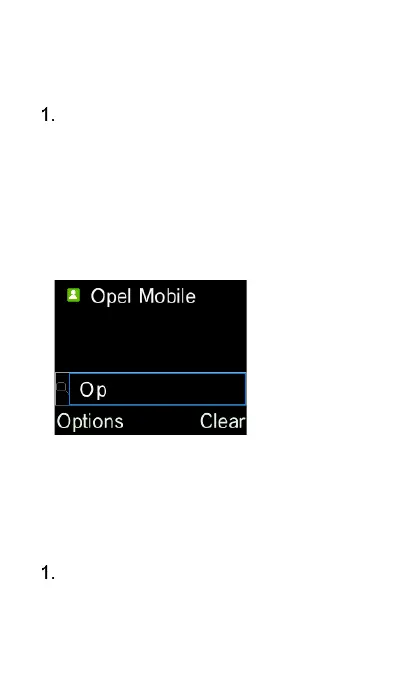
Search contacts
Press any number on the keypad to
access the search menu. A cursor
will blink when it is in search menu.
Type in some letters of the name of
the contact you wish to find, press
the “OK” key and the phone will list
out the contacts matching with the
letters you typed in.
Call and Send message to a
contact
To call a contact in the Phonebook,
highlight the contact using the















 To Next Page