56
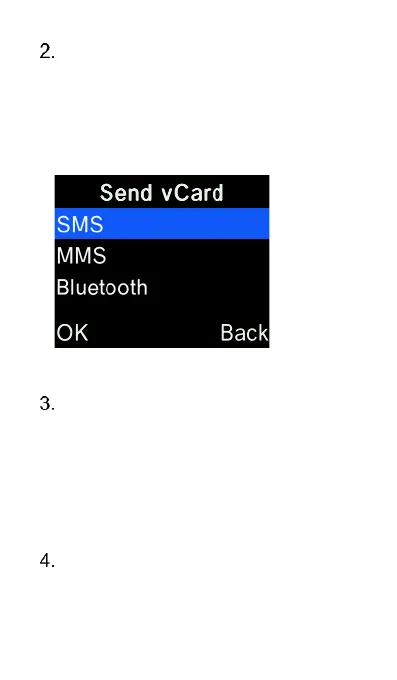
Select “Options” and highlight
“Send vCard” and press the “OK”
key. The highlight and press the
“OK” key on the method you want
to send the vCard – SMS, MMS or
Bluetooth.
Sending by SMS, type the phone
number or select “Contacts” and
press “OK” key on the contacts you
wish to send the vCard to, then
select “options” and “OK” then
press the “OK” key to send the
vCard to the contacts selected.
Sending by MMS, type the phone
number or press the “OK” key to
open contacts, press the “OK” key















 To Next Page