60
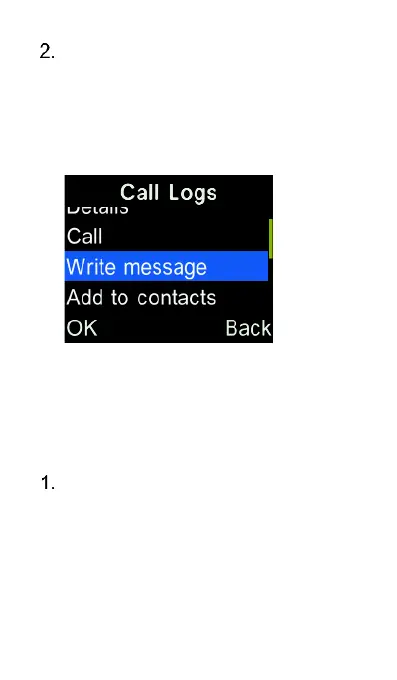
To send a message to an entry
from call logs, highlight the contact
or number and press “Options” key
and select “Write Message” from
the menu and choose whether to
send an SMS or MMS
Add call log number to
contacts
Highlight the call log number and
select options. Highlight “Add to
contacts” and press the “OK” key,
then choose to add as a new
contact or to an existing contact and
press the “OK” key.















 To Next Page