62
Delete call log entries
From the main menu, select “Call
Logs” and select the desired call
history from the menu.
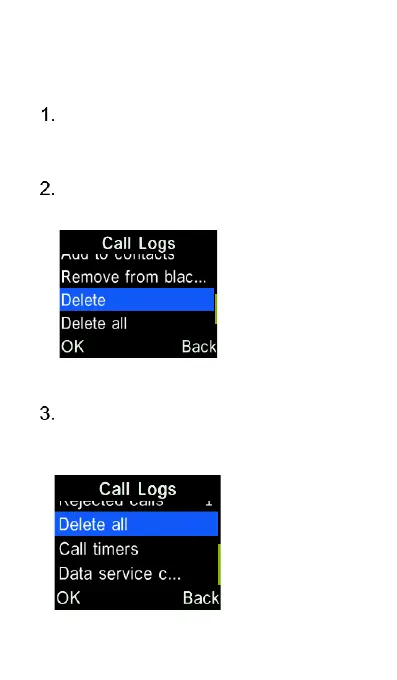
Select “Options” and scroll down to
“Delete”, then press the “OK” key.
You can also delete all call history
from the main Call Logs screen by
selecting “Delete all”.















 To Next Page