65
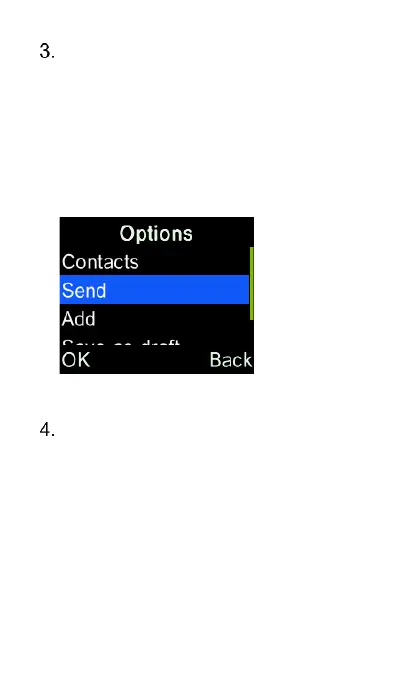
Press the down key to “Text” box,
type the message content using
the keypad, and then press the
Options key and then select “Send”
to send the message. You can also
send the message by pressing the
“OK” key while in text message
box.
To change the text typing mode,
press the “Hash” # key and choose
between En, en, EN, Abc, abc,
ABC and 123 modes using the
up/down cursor keys. En, en and
EN are predictive text modes, Abc,
abc and ABC are standard text
modes and 123 is the number
mode.















 To Next Page