67
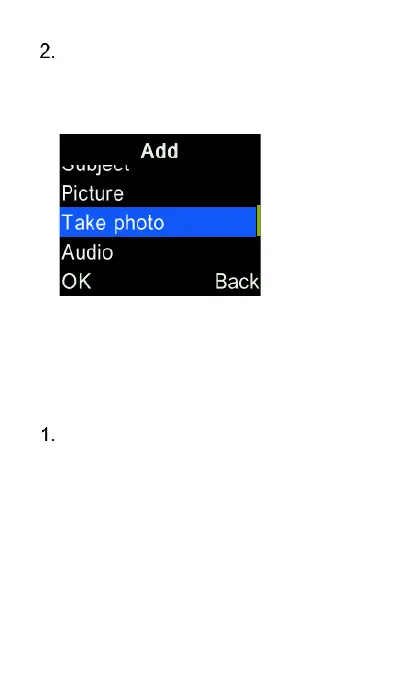
Attach the selected item – using
the cursor keys and “OK” key to
record or select a media file/quick
response from the phone memory.
View and reply to a
message
To view a message, highlight
“Inbox” and press the “OK” key then
use the cursor keys to highlight the
message you want to view then
press the “OK” key to select and
open it. Once opened you can use
the left and right cursor keys to read
the previously received messages.















 To Next Page